Computer Repair & IT Projects in Charlotte

Bessire IT helps Charlotte-area homeowners and small businesses with computer replacements, file transfers, Wi-Fi, Microsoft 365, and security. These 22 project stories describe the problem and the work involved.Explore 22 Charlotte-area projects: computer replacements, file transfers, Wi-Fi, Microsoft 365, and security for homes and businesses.

Problems Solved for Local Clients

Recent IT work for Charlotte homes and small businesses.IT projects for Charlotte homes and businesses.

Illustration of Preston preparing a replacement laptop with an external backup drive.
Laptop Replacement

Johanna’s Laptop Replacement

Greater Charlotte, North Carolina

Replaced a faulty laptop and moved Johanna’s files, programs, and settings.

Project detailsClose details

Johanna: About three months after purchase, her EliteBook developed display and speaker faults. I stood behind the original sale, moved her programs, settings, and files to an HP ZBook Firefly with a larger NVMe drive, then updated and tested the replacement.
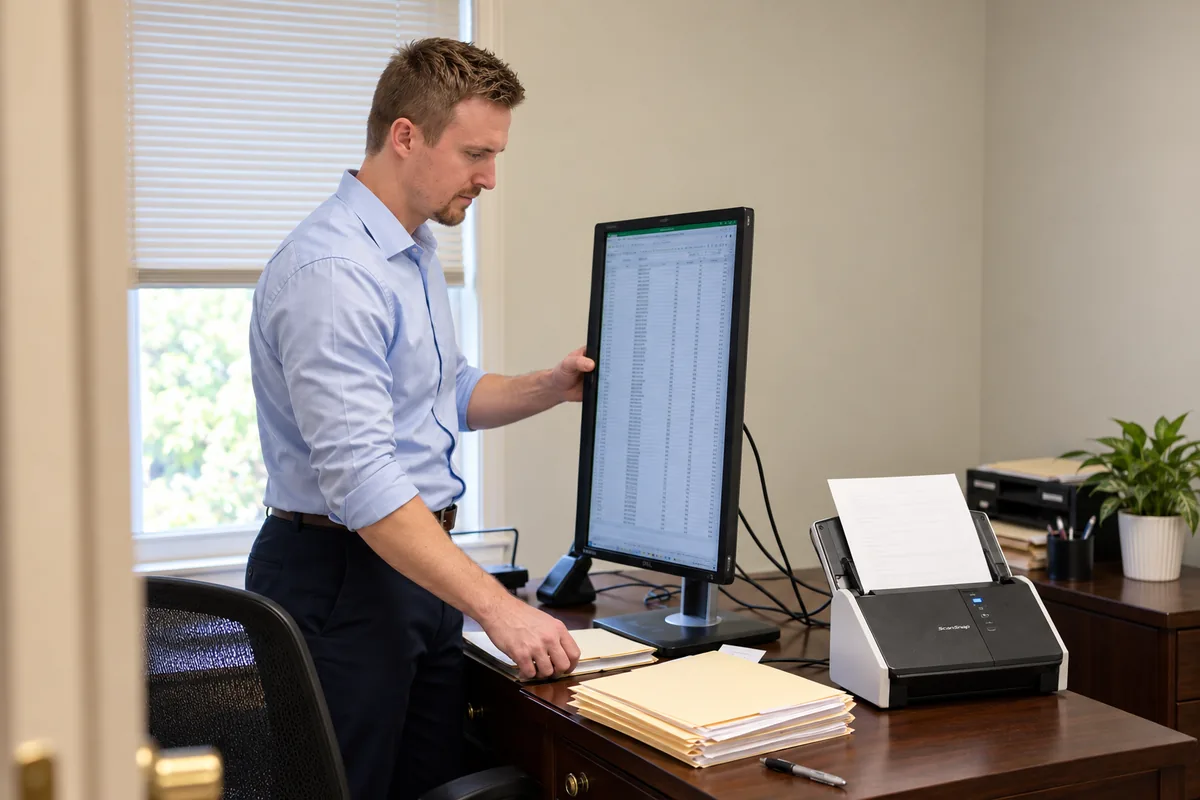
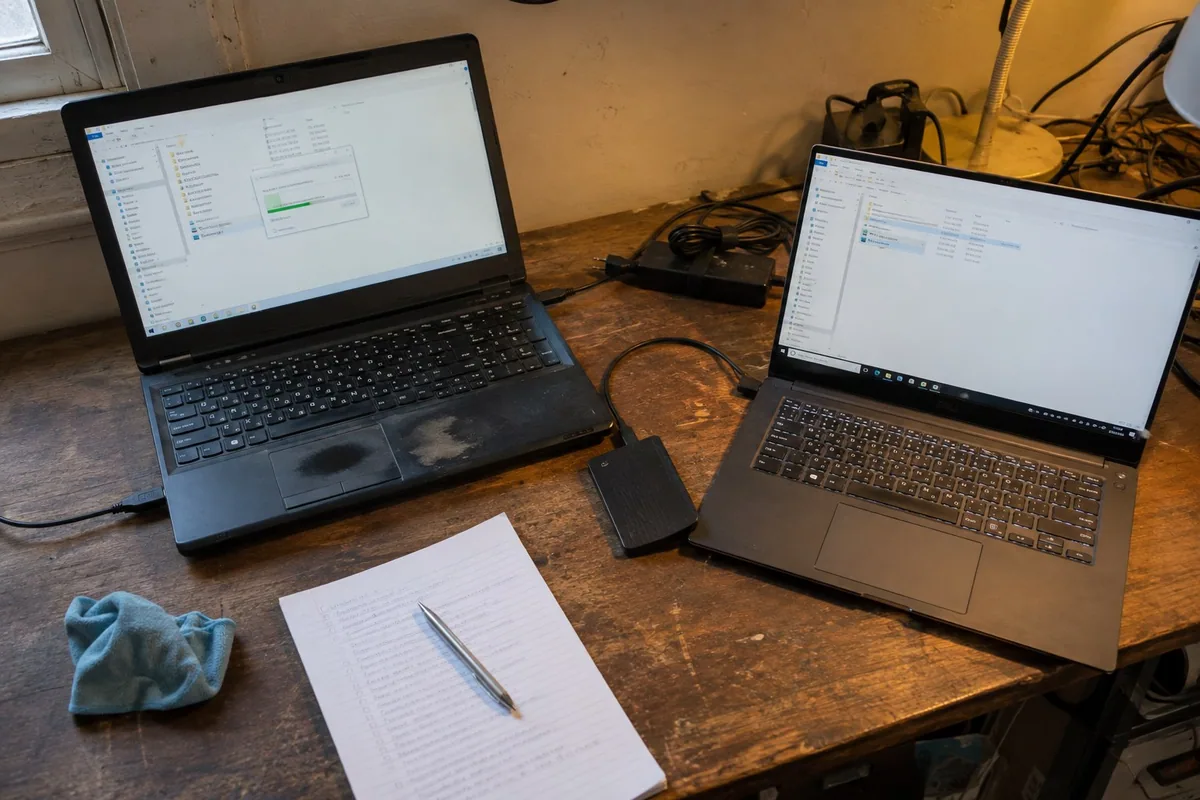
Illustration of Preston setting up a vertical monitor and document scanner.
Monitor & Scanner Setup

Kim’s Office Setup

Greater Charlotte, North Carolina

Positioned a vertical monitor and got the office scanner working again.

Project detailsClose details

Kim: She wanted a 23.8-inch Dell display in a better position and the main-office scanner working again. I mounted and adjusted the monitor vertically, set up its connections and display settings, then checked the SnapScan drivers, software, and test scans.

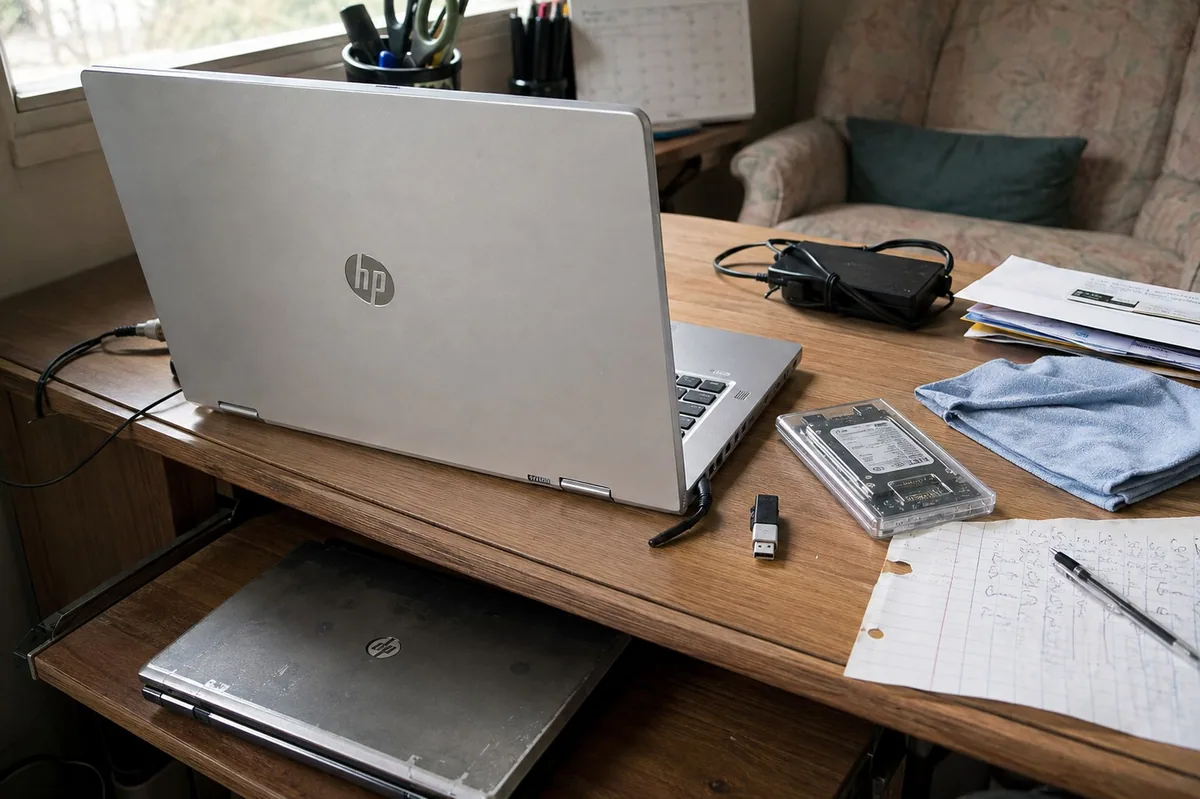
two laptops and an external drive during a computer migration
PC Data Migration

Chris’s Laptop Transfer

Greater Charlotte, North Carolina

Moved files, profiles, and supported programs to Chris’s new laptop.

Project detailsClose details

Chris: His old laptop held about 256 GB of data and roughly 15 programs he still used. I transferred the files, profiles, settings, browser data, and supported applications, then checked the new computer so it felt like his working setup—not an empty replacement.

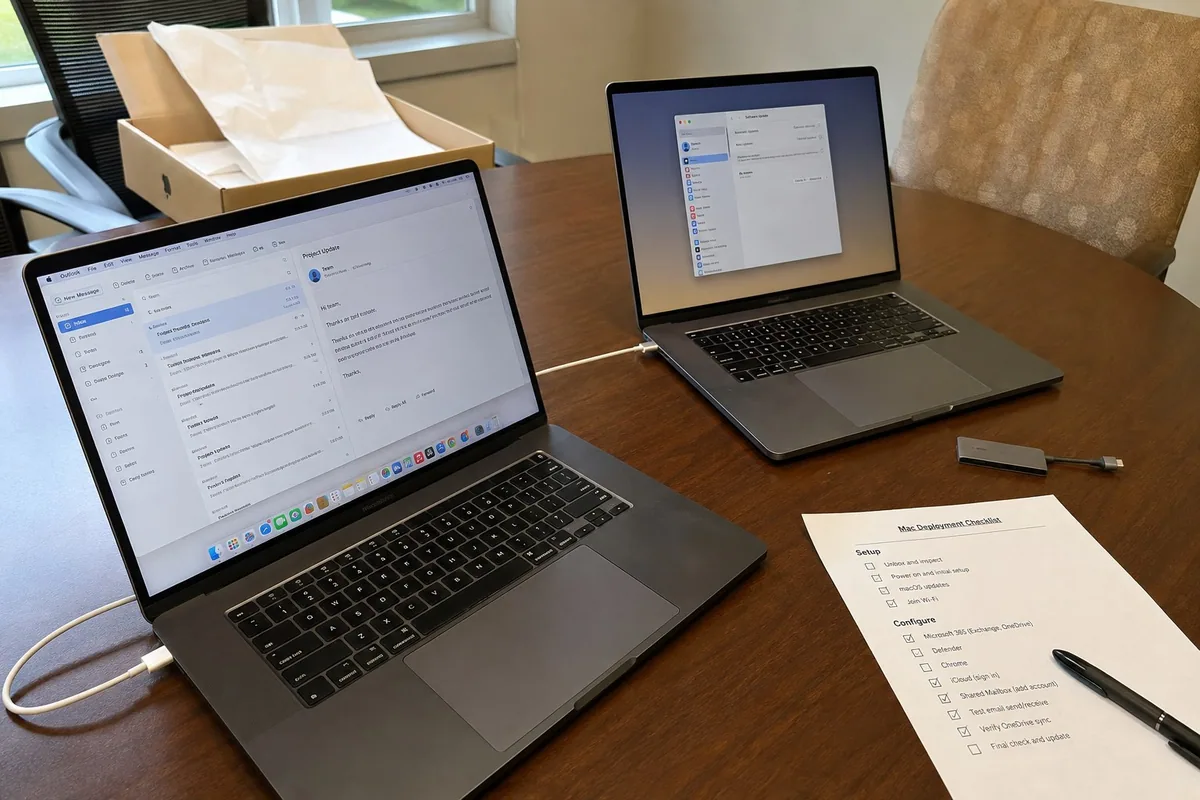
two MacBook Pro computers being prepared for business email and applications
Apple Business Setup

MacBooks Ready for Work

Greater Charlotte, North Carolina

Prepared two MacBook Pros, including Debbie’s email and business apps.

Project detailsClose details

Kandi and Debbie: They chose two 16-inch MacBook Pros for demanding work. For Debbie’s system, I also configured Microsoft 365, Exchange, OneDrive, Defender, Chrome, Google sync, iCloud, the shared mailbox, email signature, updates, and security before delivery.

checking account access and security details before an employee starts
New-Hire Security

New-Hire Security Check

Charlotte area, North Carolina

Checked account and security details before a new employee joined.

Project detailsClose details

Chris: Bringing someone new into the business raised account and security questions. In his review, Chris specifically appreciated the careful follow-up and the time spent checking the new-hire security details.

Illustration of Preston reviewing a business computer setup and equipment checklist.
Managed IT Support

IT Planning for Daniel

Charlotte area, North Carolina

Practical advice for organizing technology across Daniel’s businesses.

Project detailsClose details

Daniel: He runs more than one business and needs recommendations that make sense outside an IT department. His review highlights straightforward advice, organized systems, stronger security, and no sales pitch.

checking a shop computer while the owner continues handling repair orders
Automotive Shop IT

IT Help for Hosam’s Shop

Charlotte area, North Carolina

Technology support that fits around a working auto repair shop.

Project detailsClose details

Hosam: Technology work at an active repair shop has to respect the pace of the business. His review says the help was professional, knowledgeable, and handled by someone who knew what he was doing.

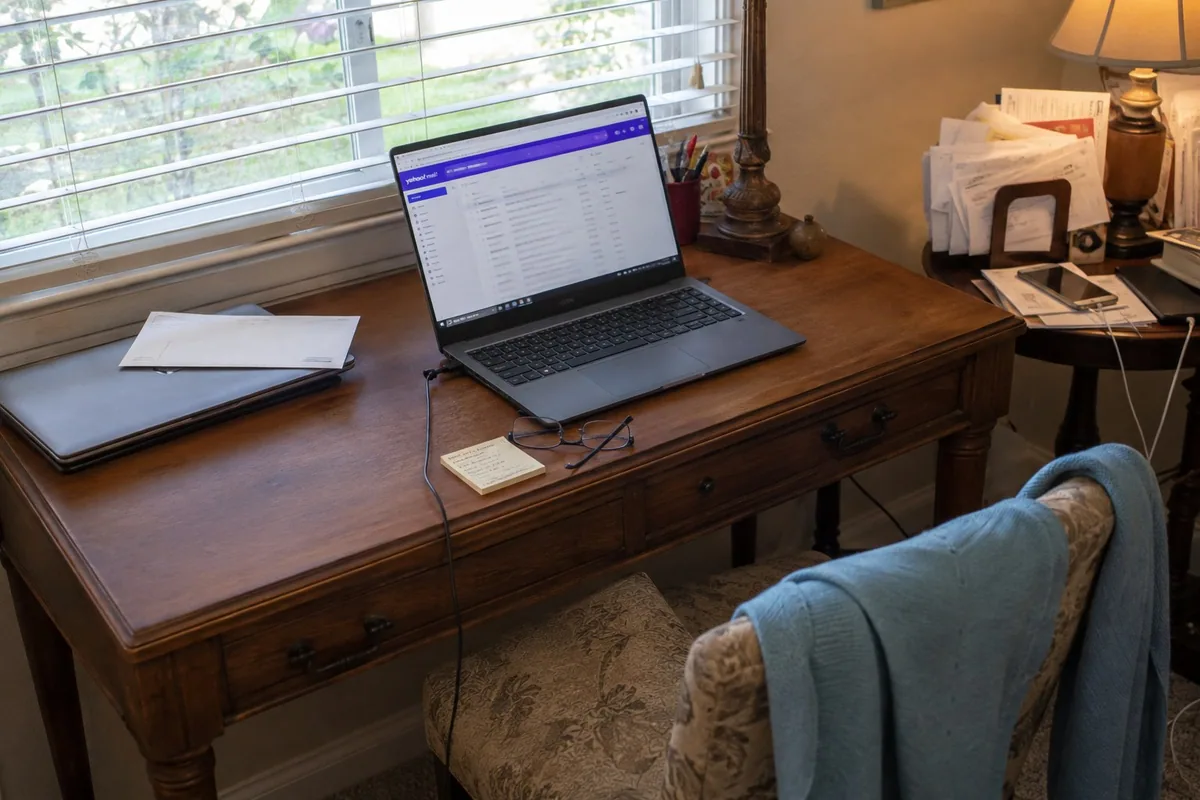
a laptop email setup on an everyday home writing desk
Laptop & Email Setup

Kathy’s Laptop & Email

Charlotte area, North Carolina

Set up a new laptop and sorted out Kathy’s Yahoo Mail problem.

Project detailsClose details

Kathy: A new laptop was only useful if her email came with it. I set up the computer and worked through the Yahoo Mail problem; her review says both were handled and that she would gladly recommend the help.

following up with an outside provider while troubleshooting a computer issue
Problem Ownership

Following Through for Cole

Charlotte area, North Carolina

Stayed involved when the problem went beyond the original work.

Project detailsClose details

Cole: The problem turned out to sit outside the work we were responsible for. We did not hand it back and walk away; his review says we stayed involved and went beyond the original scope to get it resolved.

computers, backup equipment, and files during an accounting-office transition
Technology Transition

A Tax Practice Transition

Charlotte area, North Carolina

Helped work through the technology details of a business transition.

Project detailsClose details

Discover Your Joy: The transition out of tax and accounting work involved several technology changes. The owner’s review remembers the transition as prompt, knowledgeable, professional, and—most importantly—far less stressful.

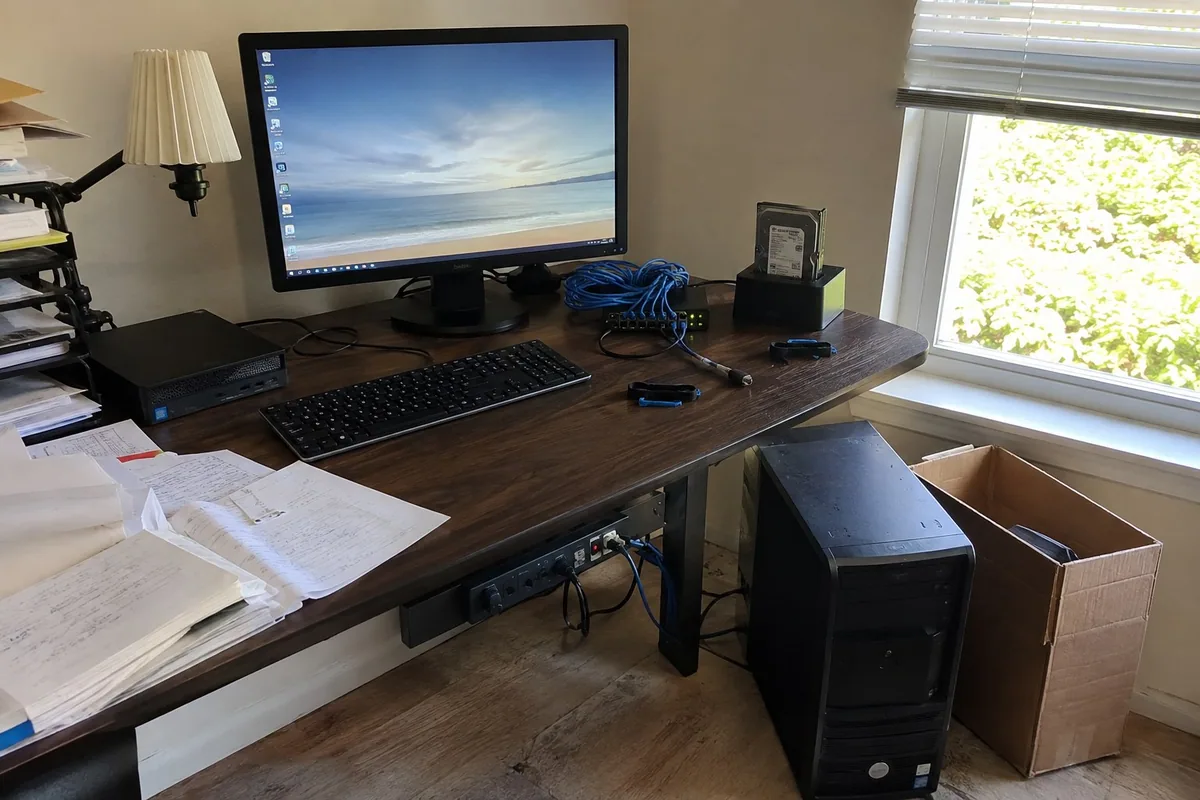
a compact replacement workstation with drive access, Ethernet connections, and surge protection
Desktop Replacement

Louise’s Desktop Upgrade

Greater Charlotte, North Carolina

Replaced an unreliable desktop and connected the equipment at her desk.

Project detailsClose details

Louise: Her old desktop had power trouble and had become hard to rely on. I moved her data and supported programs to a compact HP workstation, then finished the desk with a new monitor, access to her old drives, surge protection, and enough Ethernet connections for everything she uses.

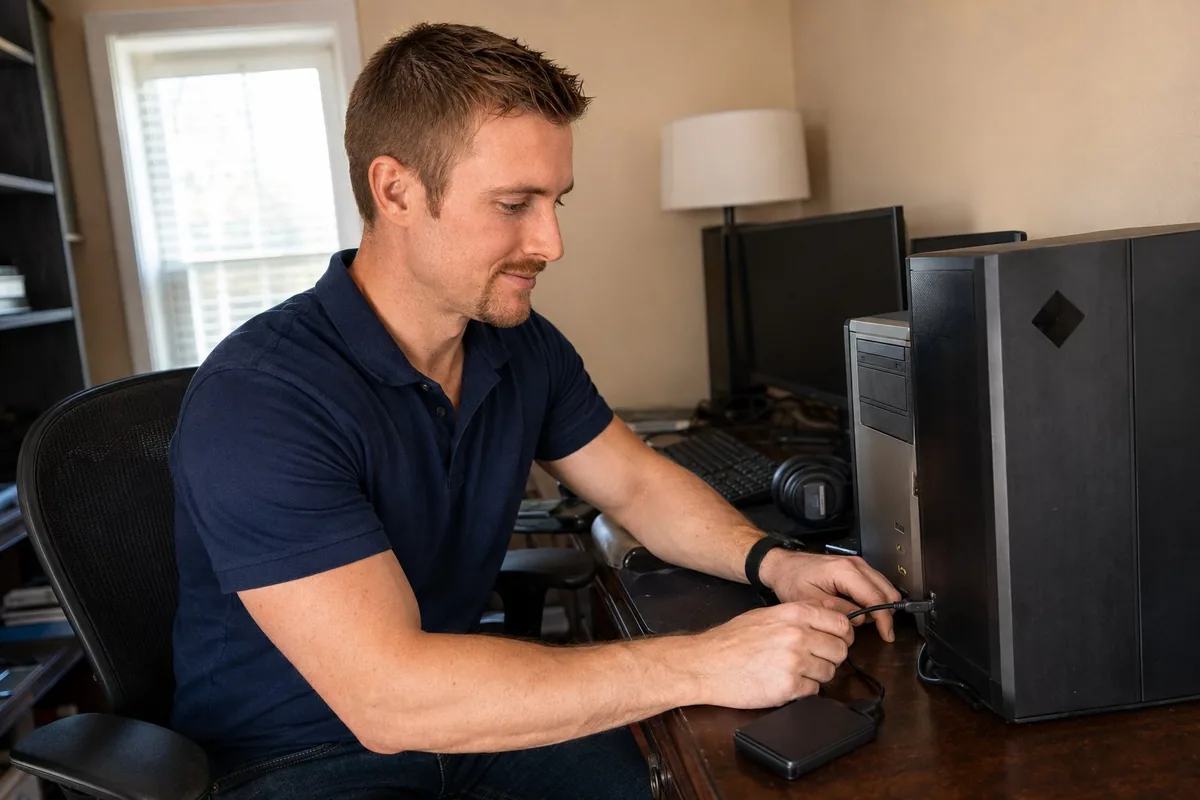
preparing an external drive for a gaming-computer migration
Gaming PC Planning

Mike’s Gaming Upgrade

Greater Charlotte, North Carolina

Compared computer builds to find a worthwhile performance upgrade.

Project detailsClose details

Mike: He wanted a real jump in gaming performance, not a more expensive computer with the wrong parts. I compared three HP OMEN builds, chose the Ryzen 7 and RTX 5060 combination that made the most sense, and planned the move from his old PC.

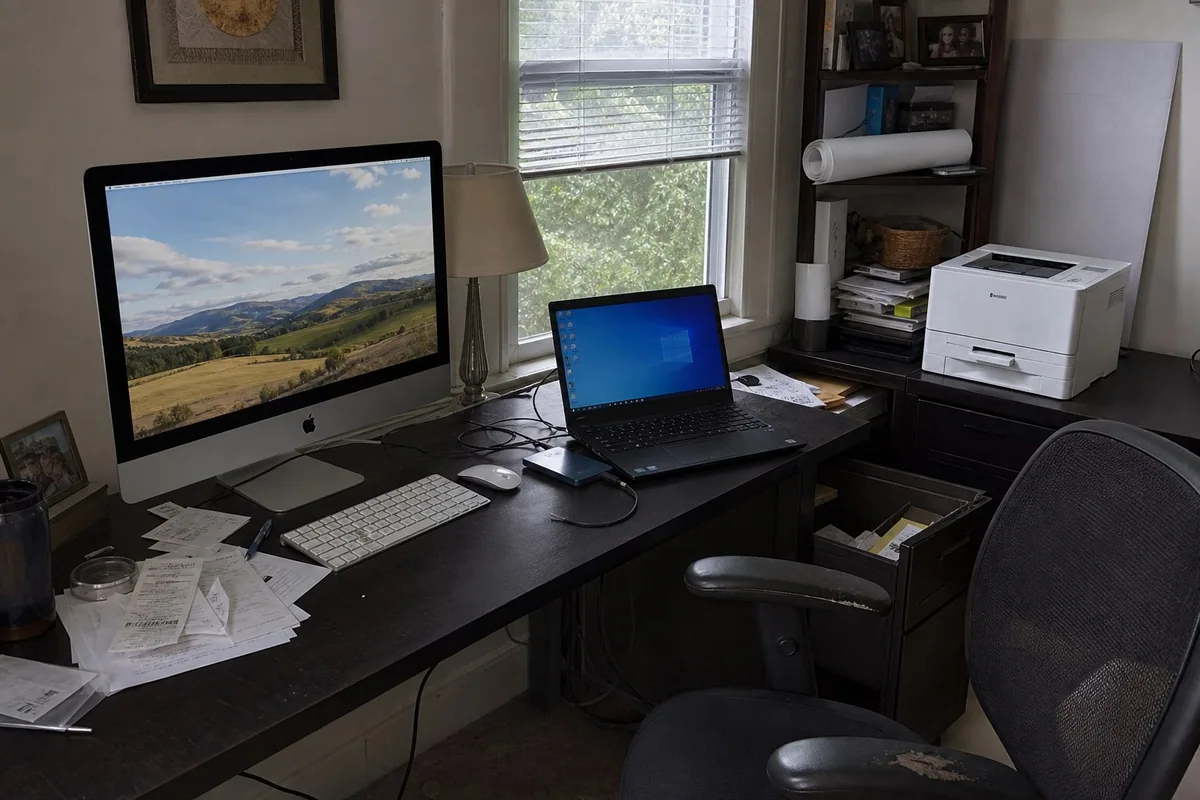
an iMac, ThinkPad, and color laser printer in a shared home office
Complete Home Office

Len & Mary Ellen’s Office

Greater Charlotte, North Carolina

Set up a printer, iMac, and Windows laptop as one working home office.

Project detailsClose details

Len and Mary Ellen: Their printer, Mac, and Windows laptop all needed attention at the same time. I set up the color laser printer, prepared the 27-inch iMac, moved their data, rebuilt the ThinkPad with Windows 11, and made sure the pieces worked together in the room where they use them.

testing a new computer and printer after moving selected files and programs
Computer Migration

Jennifer’s Fresh Start

Greater Charlotte, North Carolina

Moved useful files and programs without bringing years of clutter.

Project detailsClose details

Jennifer: She wanted her files and familiar programs, but not every leftover item slowing down the old computer. I moved what mattered, reconnected the Canon printer, tightened browser protection, and tested the setup with her.

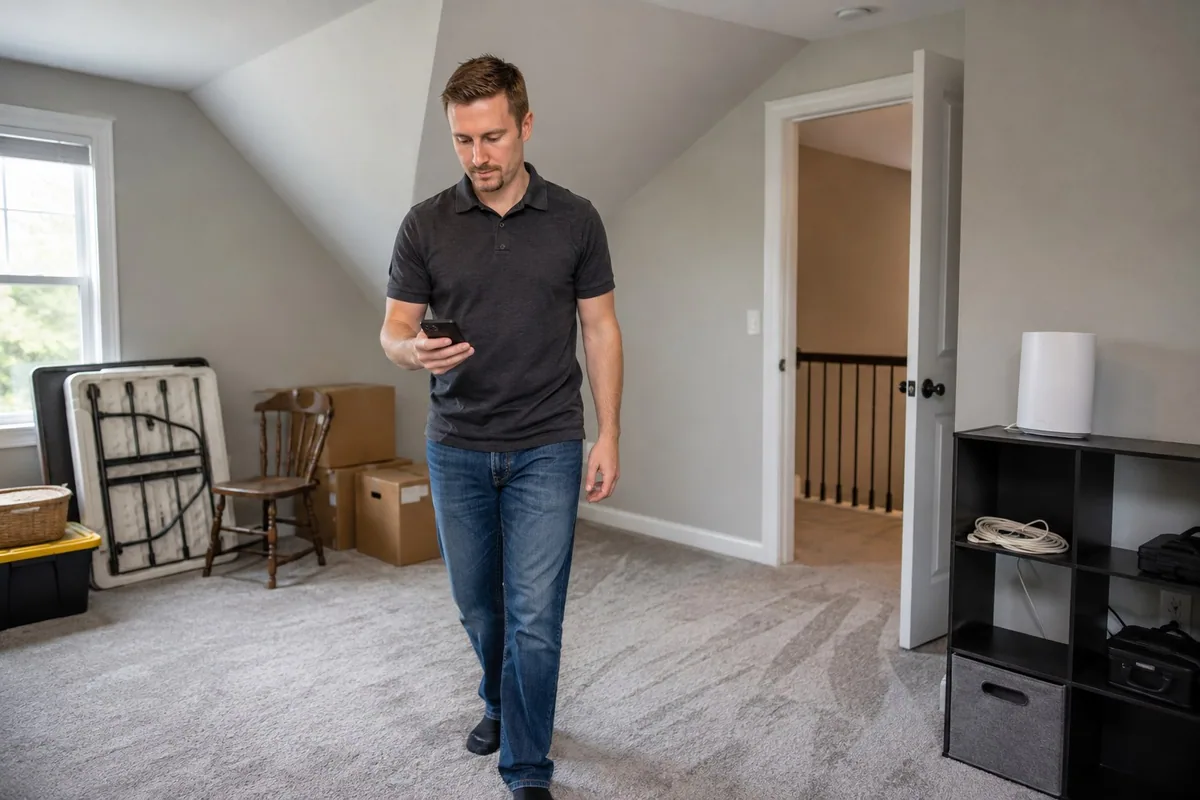
an indoor mesh satellite positioned near the backyard and distant-use areas
Whole-Property Wi-Fi

Tara & Mike’s Wider Wi-Fi

Greater Charlotte, North Carolina

Placed an Orbi mesh system to reach beyond the main house.

Project detailsClose details

Tara and Mike: Their connection needed to reach more than the rooms around the router. I placed an Orbi Wi‑Fi 7 system with two satellites to carry the network into the parts of the property where the old setup dropped away.

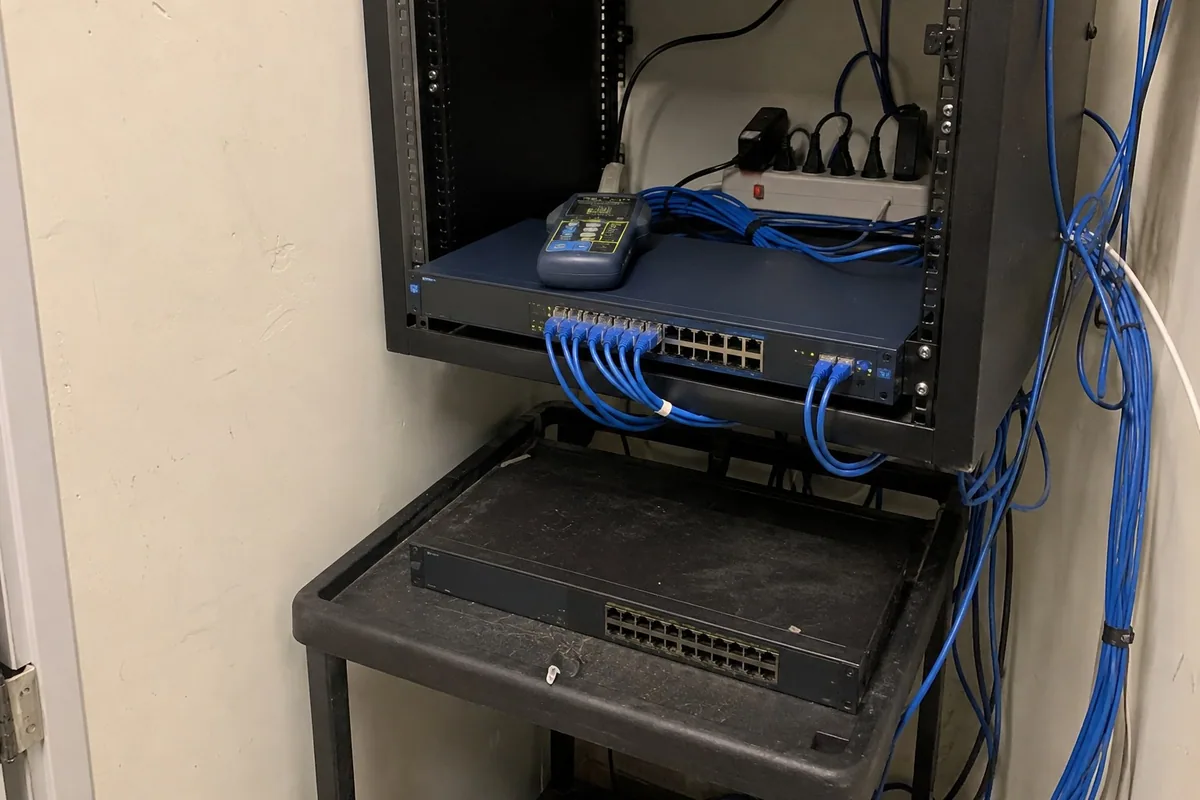
new office switching equipment and patch cables during a network update
Office Networking

Peter’s Office Network

Greater Charlotte, North Carolina

Replaced aging switches and checked the devices across the office.

Project detailsClose details

Peter: The new office had aging network equipment that needed checking. I replaced the old switches with NETGEAR hardware, then checked the computers, phones, printers, and Clover devices one by one.

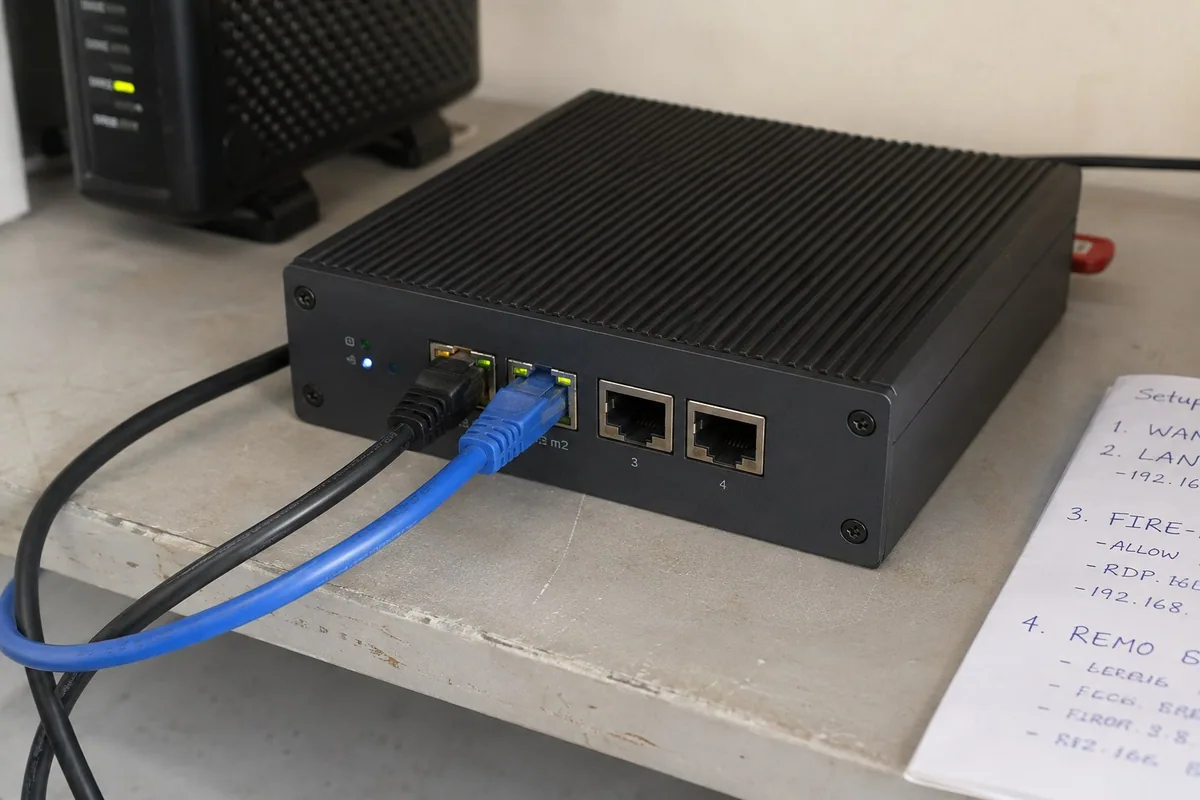
a compact firewall with Ethernet connections during an office security setup
Firewall and VPN

Peter’s Firewall Setup

Greater Charlotte, North Carolina

Added network protection and remote access with a Firewalla firewall.

Project detailsClose details

Peter: After the office network was stable, I added a firewall to manage its internet connection and access. I installed a Firewalla Gold SE for routing, security, remote access, and a clearer view of what was happening on the network—without adding another subscription.

reviewing business account access and priorities at an office workstation
Microsoft 365 Security

PVG’s Microsoft 365 Review

Locust, North Carolina

Checked account ownership, licenses, email protection, and access.

Project detailsClose details

PVG Brokerage and PVG Trucking: The first question was simple: who had control of what? I traced administrator access, licenses, MFA, email authentication, DNS, and Microsoft Secure Score, then separated the urgent fixes from the items that could wait.

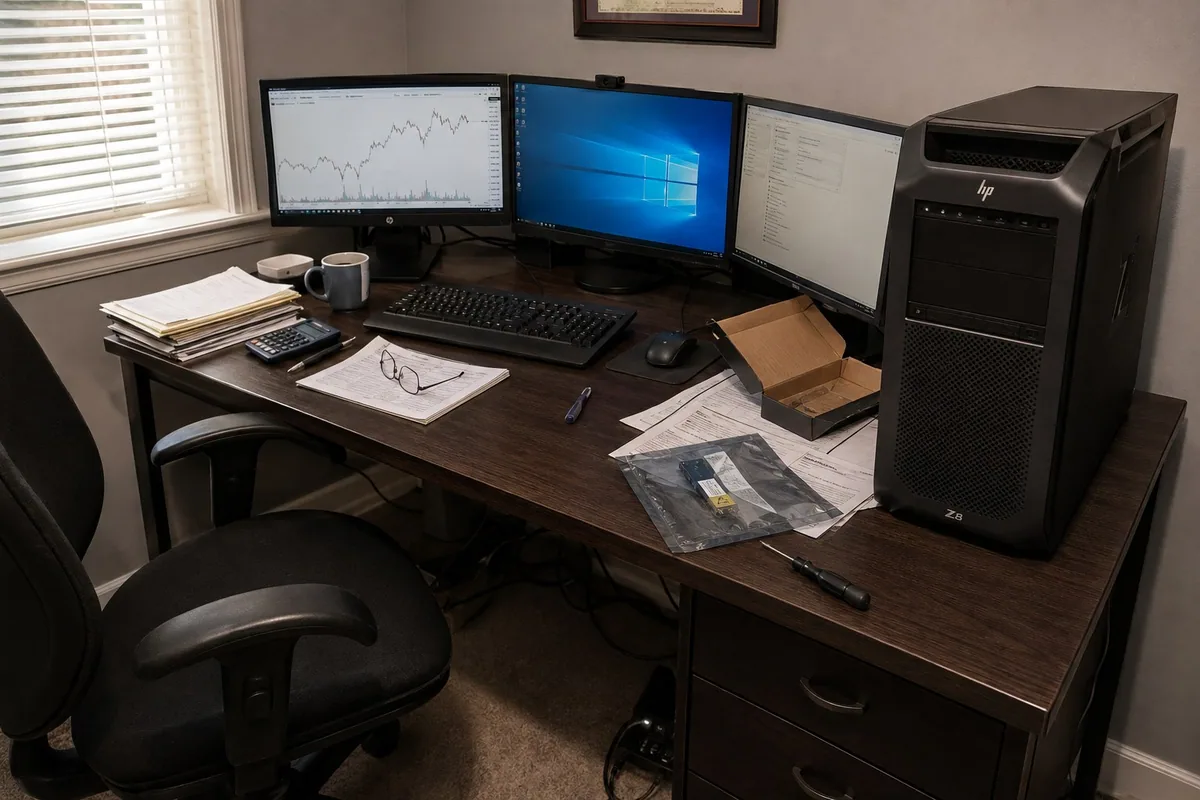
a professional workstation and three monitors after a storage and software rebuild
Advanced Workstation

Claudette’s Workstation Rebuild

Greater Charlotte, North Carolina

Upgraded storage and restored the tools her trading computer runs.

Project detailsClose details

Claudette: Her HP Z8 runs trading and AI tools, so a routine reset was not enough. I installed faster storage, rebuilt Windows, brought the HP and NVIDIA components up to date, and restored the programs she depends on.

checking wireless coverage in a room planned for a future home office
Expandable Wi-Fi

Michael’s Home Wi-Fi

Greater Charlotte, North Carolina

Improved coverage with room to extend the network to a future office.

Project detailsClose details

Michael: He needed better coverage in the house now, but did not want to start over when a future office was ready. I planned an Orbi Wi‑Fi 7 mesh system that solves today’s gaps and can accept another satellite later.

testing a repaired laptop charging connection with replaced batteries set aside
Laptop Repair

Rain’s Laptop Repair

Greater Charlotte, North Carolina

Repaired charging problems and replaced worn batteries.

Project detailsClose details

Rain: A loose power connection and worn batteries made the laptop look closer to retirement than it really was. I repaired the charging port, replaced both batteries, cleaned the system, and put the hardware through a final round of tests.

a replacement business laptop and an older drive preserved for the transfer
Business-Class Laptop

Kelly’s Laptop Transfer

Greater Charlotte, North Carolina

Moved a familiar setup from an aging laptop to an HP ZBook.

Project detailsClose details

Kelly: Her aging Pavilion was ready to go, but the files and setup were not. I preserved the old drive, moved her profile to a business-class HP ZBook, checked the replacement carefully, and handled the old hardware responsibly.

Preston beside a smiling man in a yellow shirt at home

Why Onsite Matters

Onsite work reveals placement, cabling, account, and coverage problems that isolated device tests miss.Onsite testing reveals cabling, account, and coverage problems.

Preston beside a smiling man in an orange shirt at home

One Person Sees It Through

You work with me from the first conversation through the visit. Before I leave, we check the result and I explain what changed.Work directly with me. We’ll check the result together and review what changed.

Project Questions

Can you move files and programs to a new computer?

Yes. Chris’s laptop transfer and Johanna’s replacement laptop included files, settings, and supported programs. Learn what can move with new computer setup and data transfer.

Can you set up business computers and Microsoft 365?

Yes. The MacBook deployment included Microsoft 365, Exchange, OneDrive, business email, and security setup. See Microsoft 365 help and small business IT support.

Do you work in homes and businesses?

Yes. The examples include home Wi-Fi, connected devices, backup work, and small-business network and Microsoft 365 projects around Charlotte.

Can you improve an existing setup?

Yes. Many projects start with equipment that mostly works but is difficult to understand, unreliable, poorly placed, or hard to support.

Back to Services