Email and Microsoft 365 Help

I sort out Outlook, Microsoft 365, Gmail, OneDrive, passwords, and recurring sign-in prompts.

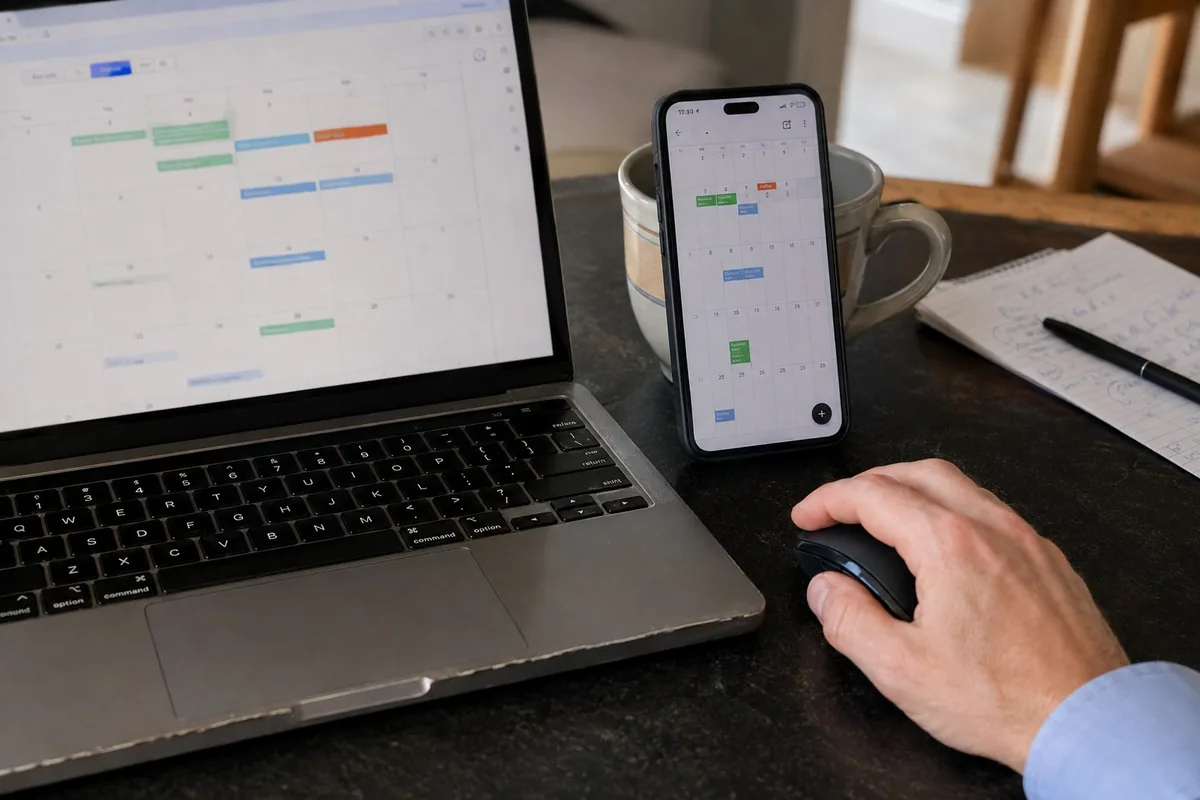
Unify Email And Calendars

I identify where email, contacts, calendars, and files live, then simplify the setup.

Find Where Everything Is Stored

I identify which Microsoft, Gmail, iCloud, provider, work, or personal account owns the email, contacts, calendar, and files.

Choose the Primary Account

We decide which account should be the main home for contacts, calendar events, email, and recovery information.

Sync Every Device Consistently

I connect the computer, phone, tablet, Outlook, and webmail to the correct accounts and test that updates appear in the right places.

Home and Business Account Help

The fix depends on who owns the account and where the information should live.

Personal Email and Devices

I can sort out Outlook, Gmail, iCloud, contacts, calendars, saved sign-ins, and phone-to-computer syncing for home users.

Microsoft 365 for Business

For small businesses, I can review licenses, shared mailboxes, Teams, OneDrive, administrator access, MFA, and employee account changes.

Recovery Without Unsafe Shortcuts

I use the provider's legitimate recovery process and help identify trusted devices, recovery email, phone numbers, and verification methods.

Email and Microsoft Questions

Why does Outlook keep asking for my password?

It can be a saved-password issue, expired sign-in token, wrong account, app update, Microsoft 365 license issue, or two-step verification change. I check the account and Outlook setup together.

Can you help recover an email account?

Sometimes. Recovery depends on the provider, recovery email, phone number, security questions, and whether the account has been compromised. I can help work through the legitimate recovery path.

Which Account Is Stuck?

Tell me where email works and the exact message that appears.

Find the Right Help