
Show Me What Goes Wrong
Show me what you’re trying to do and what happens instead. I’ll ask what changed recently before adjusting settings.Show me the problem and tell me what changed before I adjust settings.
Patient computer help at your home from one local person. I can troubleshoot the laptop or desktop together with your Wi-Fi, printer, accounts, cables, and connected devices instead of asking you to disconnect everything and carry it to a shop.Patient help at home from one local person. I check your computer, Wi-Fi, printer, accounts, and connected devices together—without a trip to the shop.
Onsite, I can check the computer, printer, router, cables, accounts, and exact problem together.
Show me what you’re trying to do and what happens instead. I’ll ask what changed recently before adjusting settings.Show me the problem and tell me what changed before I adjust settings.
I explain whether the cause is the computer, network, account, software, cable, printer, or a combination of connected issues.I explain the cause: computer, network, account, software, cable, printer, or connected issues.
Before I leave, we test the fix and review what changed so the setup is easier to use and explain later.Before leaving, we test the fix and review what changed.
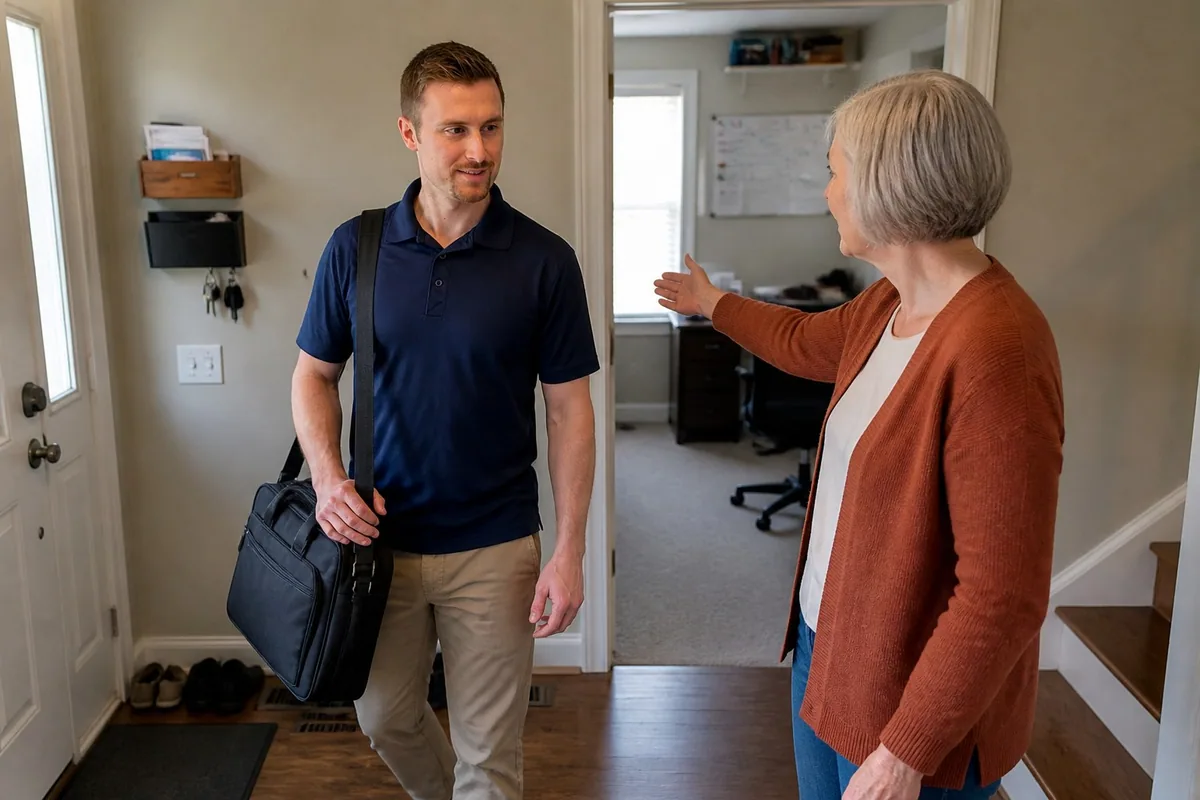
I test the problem where it actually happens.
Computers, printers, routers, cables, phones, and accounts can be checked together instead of as isolated problems.I check computers, printers, routers, cables, phones, and accounts together.
You can ask questions while I work and see why a setting, device, or replacement recommendation matters.Ask questions as I work. I explain settings and equipment recommendations.
We repeat the task that was failing and make sure the result works from the device and location you normally use.We repeat the failing task on your usual device, where you normally use it.
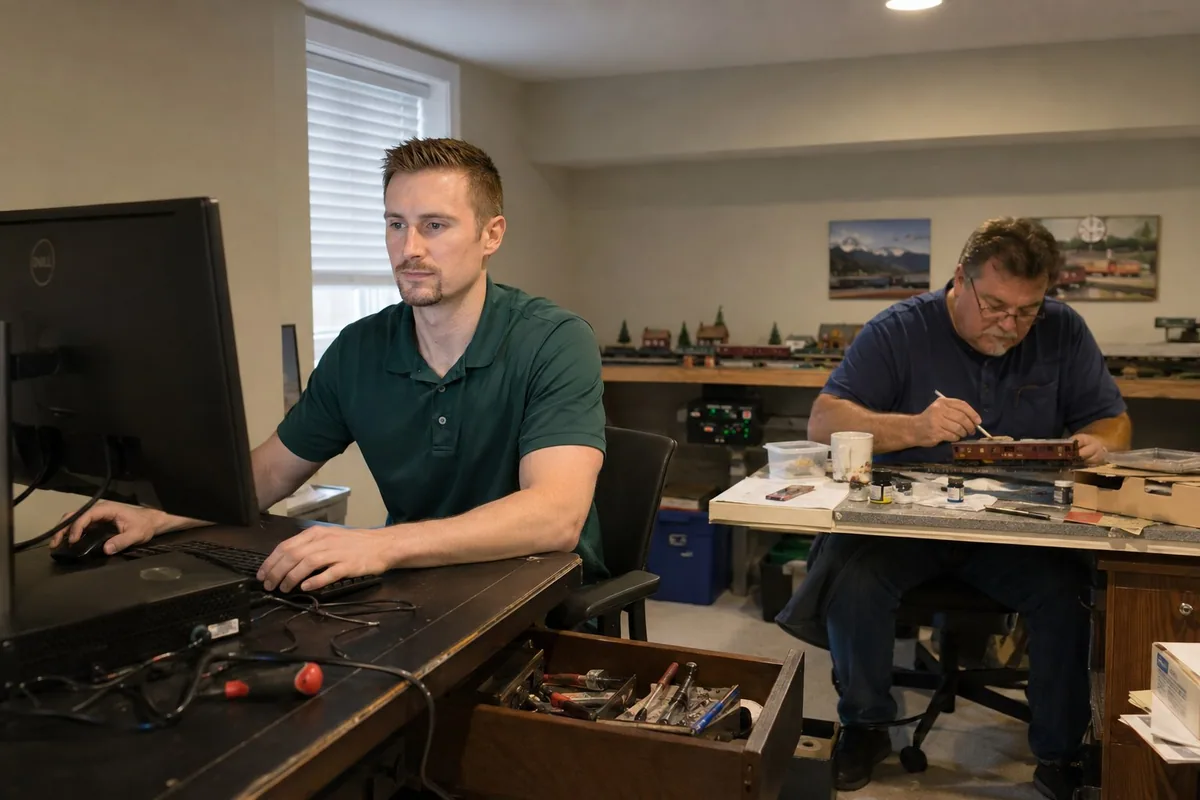
Call, text, or email with your neighborhood, computer type, and what stopped working. We’ll talk through the issue and arrange an onsite visit if that is the right next step.
Keep the computer, charger, connected devices, and any error message available. Tell me what changed and whether important files are backed up. You can sign in to your own accounts during the visit; do not send passwords in an email or inquiry form.
Yes. I provide residential onsite computer help across the Charlotte area, where I can test the computer, printer, Wi-Fi, cables, and accounts together in the home where the problem occurs.
You work directly with me, in the place you use your computer. That lets us check the printer, Wi-Fi, email, backups, and other parts of your setup together.
An onsite visit is especially useful when the problem crosses devices or depends on the home setup—for example, a computer that cannot print, weak Wi-Fi in one room, email that will not sync, a new computer transfer, or a backup that has never been tested.
Tell me what stopped working and where you’re located. I’ll help you work out whether a visit is the right next step.Tell me what stopped working and your location. We’ll decide whether a visit makes sense.