Why did my wireless printer stop working after I changed routers?
The printer may still have the old Wi-Fi name or password, while the computer is looking for its previous network address. I check the new connection, printer entries, and scanning setup, then test the devices you use.
Can you help when a print job is stuck or my phone will not print?
Yes. I check the print queue, the selected printer, the network connection, and whether the printer supports the phone or computer you are using. The goal is a tested print from your own device.
Why does my printer say offline?
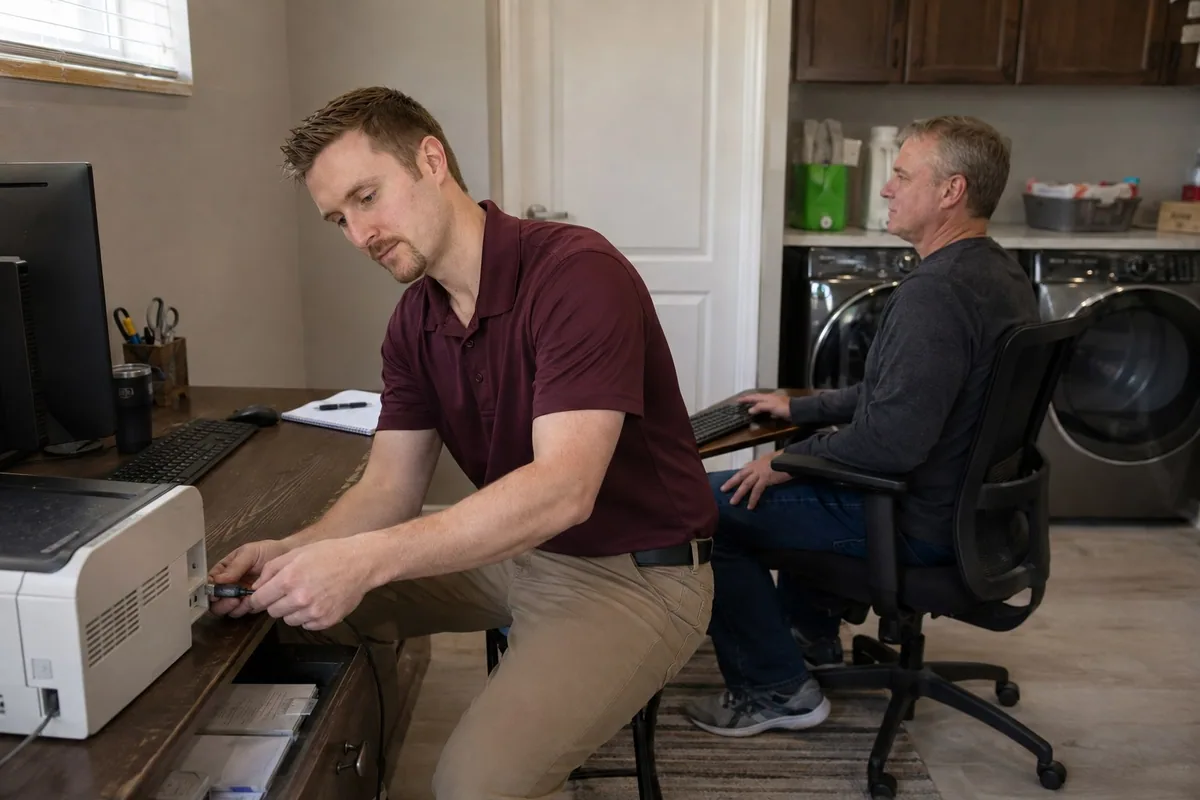
Usually it is a Wi-Fi, driver, sleep-mode, or old printer-queue problem. I check the printer connection, clean up old entries, reinstall the right setup when needed, and test printing before I leave.
Can you fix scanning too?
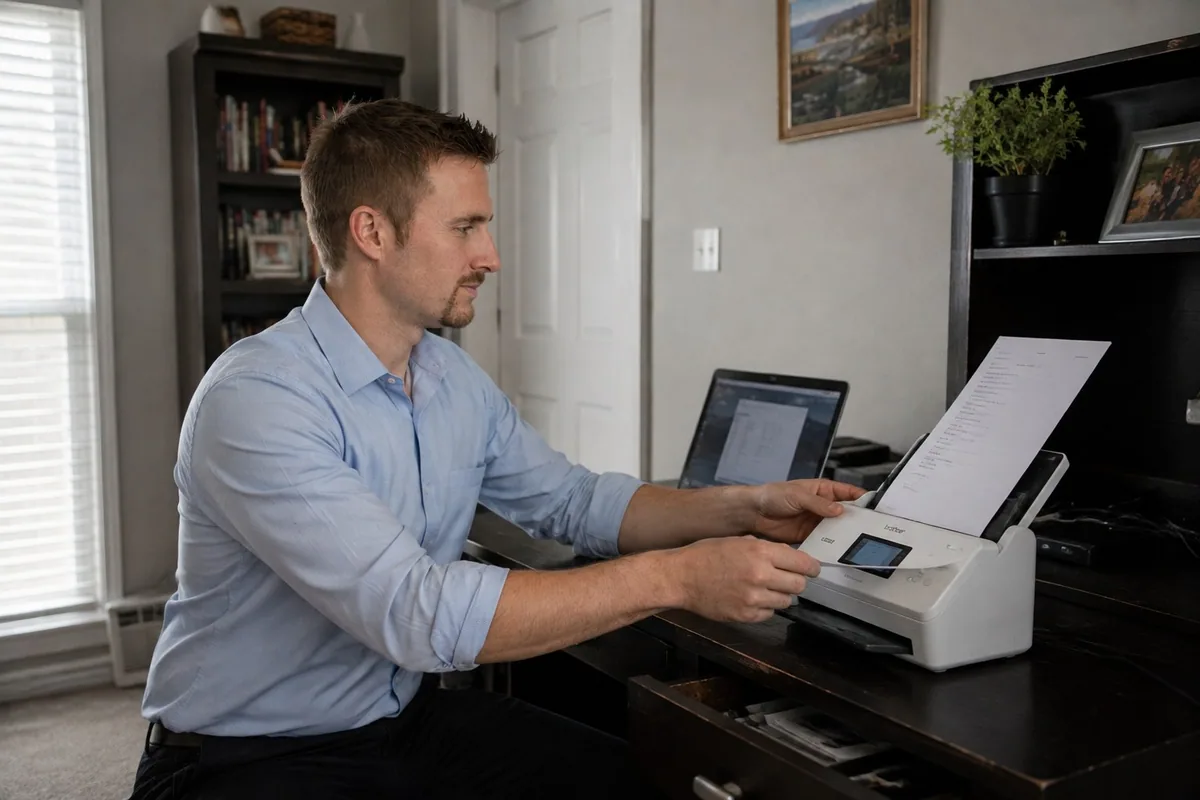
Yes. Scanning often breaks even when printing still works. I test the scanner software, driver, network path, and the simplest way for you to scan going forward.
Why can one computer print but another cannot?
The second computer may be using an old printer entry, the wrong driver, a different network, or a connection method the printer no longer recognizes. I compare the working and nonworking devices, correct the setup, and test both.