Scam Protection

Scam Protection Help in Charlotte.

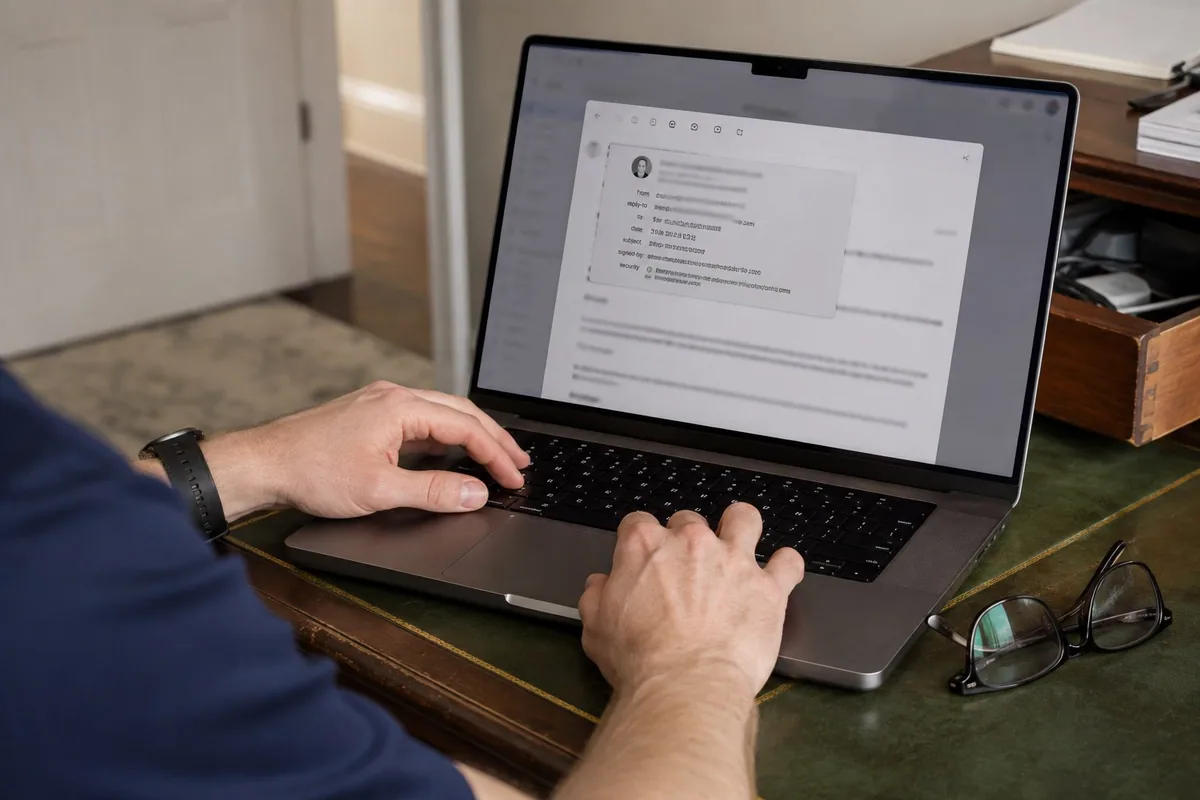
Scam protection is not about making someone feel bad for clicking. It is about making fake alerts, suspicious calls, and confusing prompts easier to recognize next time.

How I Can Help

Eliminate Scam Entry Points With an Ad Blocker

Scam prevention starts by blocking malicious advertisements, protecting important accounts, and limiting the personal information strangers can see online.

Add an Ad Blocker to Edge or Chrome

I install and configure a reputable browser ad blocker that stops advertisements and many fake support or virus prompts before they load.

Enable Two-Factor Authentication

Investment, banking, email, Microsoft, and other important accounts receive an additional sign-in layer even if a password is exposed.

Secure Facebook and Social Media

I review public visibility, friend-list exposure, personal information, recovery settings, and privacy controls so strangers see less useful information.

Safer Decisions

Close Common Scam Openings

Small changes to browsers, accounts, and public profiles can remove many of the openings scammers use.

Block Malicious Ads

Edge and Chrome can be configured to block many fake warnings, misleading download buttons, and scam advertisements.

Protect Financial Accounts

Unique passwords and two-factor authentication make banking and investment accounts harder to enter with stolen credentials.

Limit Public Personal Information

Facebook and other social profiles can hide friend lists, contact details, birthdays, and posts from people outside your trusted circle.

Straight Answers

Scam Safety Questions

What is scam protection help?

I review the computer, browser, and affected accounts after a suspicious alert, call, or message. Then we use that exact incident to make the next fake warning easier to recognize.

What are common red flags?

Urgency, phone numbers inside pop-ups, gift card requests, refund stories, remote access pressure, and people claiming your computer or bank account is in immediate danger are all red flags.

Can you help after a phone scam?

Yes. I can review what happened, check the computer for remote tools or browser changes, and help decide whether passwords or account settings need attention.

Should I be embarrassed?

No. These scams are designed to scare and confuse normal people. A calm review is more useful than blame.

Can you teach my parent what to avoid?

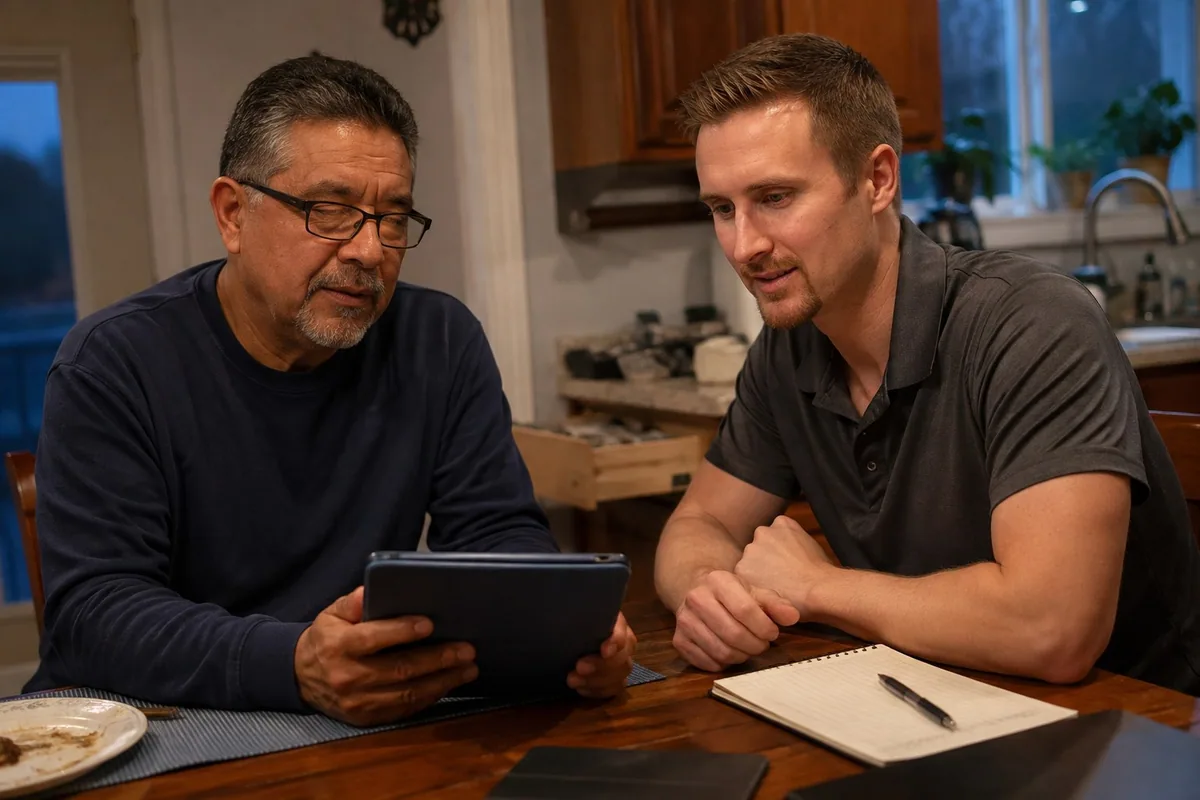
Yes. I can explain the warning signs in a patient way and focus on practical habits: do not call pop-up numbers, do not buy gift cards, and do not allow remote access from strangers.

Do you check email security?

Yes. If email was involved, I can review recovery options, passwords, forwarding rules, suspicious sign-ins, and two-step verification settings.

Not Sure Whether It Was Real?

Do not use the number or link in the message. Call me using the number on this website and tell me what the person asked you to do.

Back to Services