
Block Scam Advertisements
A reputable ad blocker can stop many malicious advertisements and fake support prompts before they appear in the browser.A reputable ad blocker can prevent many malicious advertisements and fake browser support prompts.
Patient, onsite technology help for seniors in Charlotte, including computers, printers, Wi-Fi, email, scams, and new devices.Patient, onsite help for Charlotte seniors with computers, printers, Wi-Fi, email, scams, and new devices.
Show me what you’d like to do and where you get stuck. We can go through it together, with time for questions.Show me where you get stuck. We’ll work through it together, with time for questions.
A reputable ad blocker can stop many malicious advertisements and fake support prompts before they appear in the browser.A reputable ad blocker can prevent many malicious advertisements and fake browser support prompts.
We start with what changed and what feels frustrating. I explain the work at a comfortable pace while fixing the computer, printer, Wi-Fi, or account issue.Tell me what changed. I explain the work at your pace while fixing the computer, printer, Wi-Fi, or account issue.
You or a family member can call to explain what is happening and arrange a visit. You don’t need to know the technical terms.You or a family member can arrange a visit. No technical terms needed.
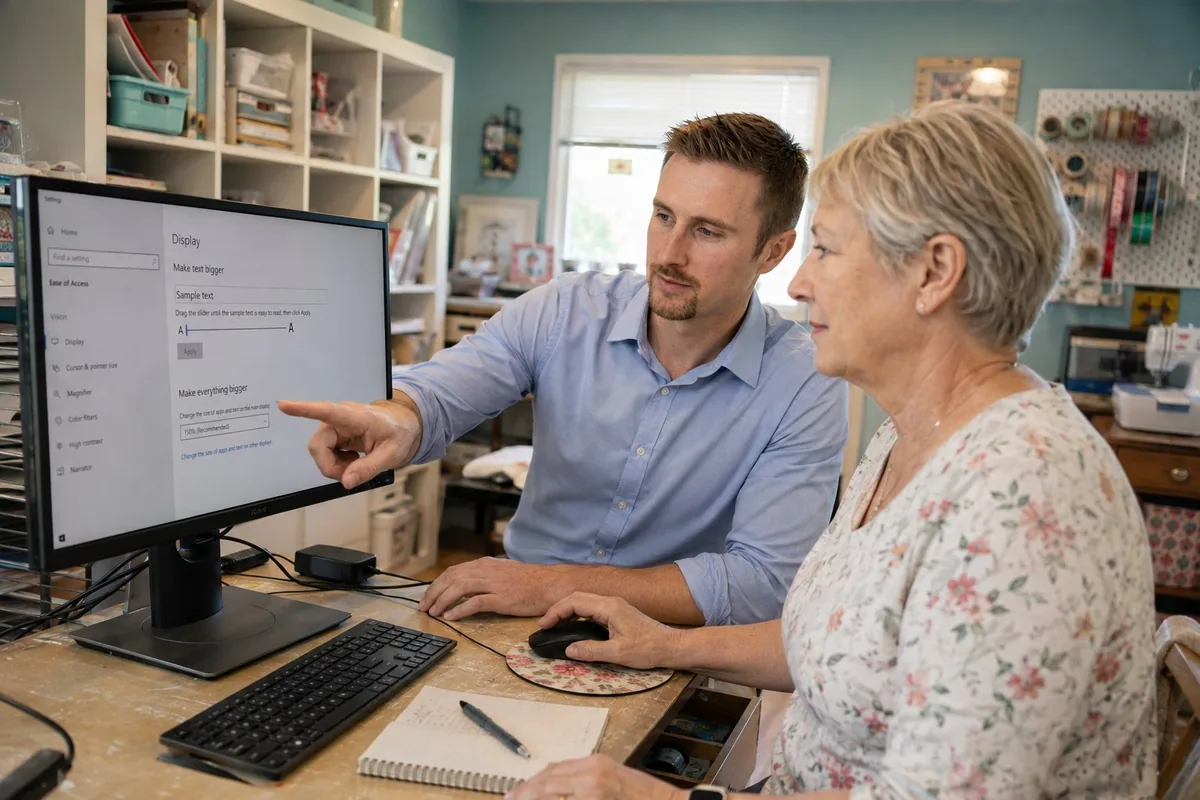
We work on your device and focus on the tasks you use.We use your device and focus on everyday tasks.
The instructions match your computer, phone, tablet, printer, or television instead of a generic demonstration.Instructions match your own computer, phone, tablet, printer, or television.
I explain warning signs in pop-ups, calls, email, and text messages without making technology feel frightening.I explain warning signs in pop-ups, calls, email, and texts without making technology frightening.
We can try printing, sending an email, finding a photo, or joining a video call together so you can see how it works on your own device.We practice printing, email, finding photos, or joining video calls together on your own device.
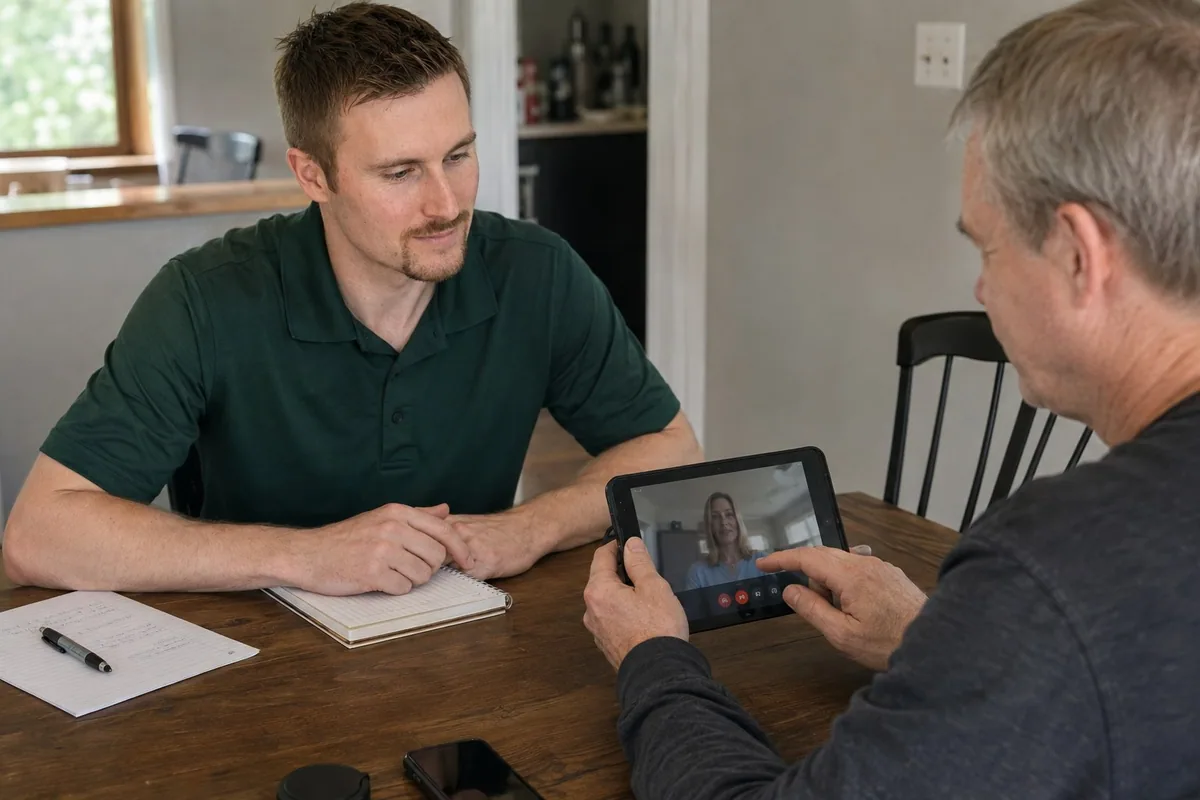
Small adjustments can make a device easier to read, hear, and use.Small adjustments make devices easier to read, hear, and use.
Adjust text size, display scaling, contrast, pointer size, browser zoom, and the items pinned to the taskbar or home screen.Adjust text and pointer size, display scaling, contrast, browser zoom, and taskbar or home-screen shortcuts.
Test speaker volume, microphone placement, captions, camera framing, and a simple way to join the video service you actually use.Test volume, microphone placement, captions, camera framing, and joining your usual video service.
Keep trusted contacts easy to find and remove fake support notifications or browser prompts that create confusion.Make trusted contacts easy to find and remove confusing fake support notifications or browser prompts.
If signing in is the main problem, read about password and account help before the visit.Trouble signing in? See password and account help.
Yes. I can coordinate with family while keeping the person receiving help involved.
Yes. I explain the important parts in plain English while I work. I do not expect someone to memorize every setting, but I do want the computer, printer, or phone to feel less intimidating afterward.
You or a family member can call to arrange a visit. I’ll take the time to explain things to the person using the device.You or a family member can arrange a visit. I’ll explain things patiently to the person using the device.