
Walk the problem areas
I compare signal and device behavior in the office, bedroom, bonus room, porch, or any room where service drops.I compare signal and device behavior wherever service drops: offices, bedrooms, bonus rooms, or porches.
I troubleshoot Wi-Fi in Charlotte homes and small offices, testing weak rooms, dropped connections, router placement, and mesh coverage onsite.Onsite Wi-Fi help for Charlotte homes and small offices: weak rooms, dropped connections, router placement, and mesh coverage.
Show me the rooms or outdoor areas where the connection drops. I’ll test with your devices and check placement, coverage, and the equipment already in place.Show me where connections drop, indoors or outside. I’ll test your devices, placement, coverage, and existing equipment.
I compare signal and device behavior in the office, bedroom, bonus room, porch, or any room where service drops.I compare signal and device behavior wherever service drops: offices, bedrooms, bonus rooms, or porches.
Old extenders, duplicate names, provider routers, and misplaced mesh nodes can work against one another.Old extenders, duplicate names, provider routers, and misplaced mesh nodes can conflict.
Sometimes moving equipment solves it. When new gear is justified, I explain what it changes and where it should go.Moving equipment may solve it. If new gear makes sense, I’ll explain why and where it belongs.
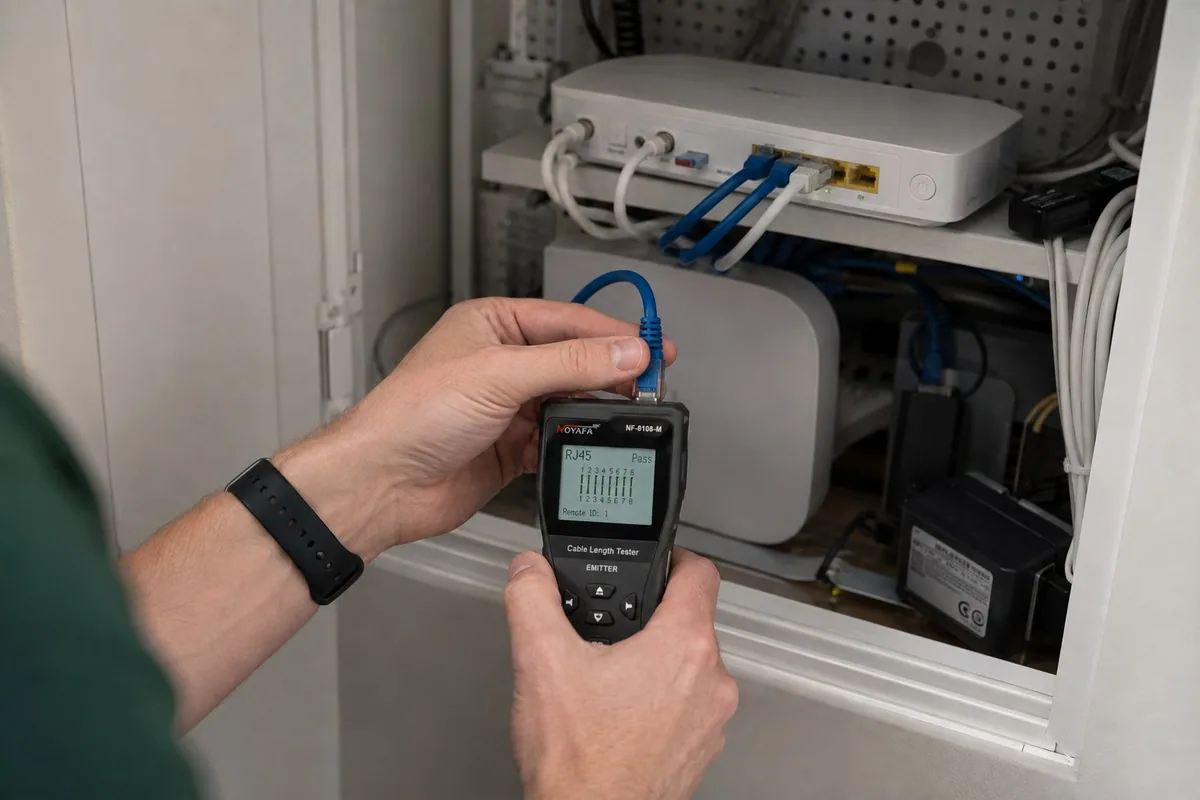
If the connection fails in one room, start by comparing locations. If several devices lose internet access everywhere at once, the modem, router, or provider connection needs attention.One weak room suggests a coverage issue. If several devices lose internet everywhere, check the modem, router, or provider.
Compare a working phone or laptop in the same room on the same Wi-Fi network. A single-device problem can involve its adapter, saved network settings, or software.Compare another device in the same room and network. One affected device may have adapter, saved-network, or software problems.
Try the same device near the router and in the weak area. Walls, distance, and mesh placement can affect coverage even when the internet service itself is working.Compare the same device near the router and in the weak area. Walls, distance, and mesh placement affect coverage.
Note the modem and router lights and check the provider’s outage information. Avoid a factory reset: it can erase the settings needed to reconnect your home or office.Note modem and router lights; check for provider outages. Avoid factory resets that erase settings needed to reconnect.
For a Charlotte Wi-Fi visit, tell me which rooms or outdoor areas need coverage, which devices disconnect, and whether you recently changed providers or equipment. I can test the setup where you use it.Tell me the affected areas and devices, plus provider or equipment changes. I’ll test onsite.
See how I extended Wi-Fi coverage beyond the main house for Tara and Mike.See Tara and Mike’s Wi-Fi coverage beyond the main house.
Yes. I assess the distance, walls, existing wiring, equipment placement, and devices using the connection. I can recommend and test an appropriate mesh, wired, or outdoor-access-point setup for the areas you need covered.
That can point to a problem with one device rather than the whole internet connection. I compare the working device with the laptop and check its Wi-Fi connection, adapter, settings, and location.
Yes. A connection can test well for the provider and still fail where you use it. I check the router, mesh placement, and affected devices in your home.
Yes. I can help choose, place, configure, and test mesh Wi-Fi equipment. Placement matters, and a poorly placed mesh system can still leave dead zones or create handoff problems.
Repeated disconnects can come from weak signal, interference, an overloaded or aging router, duplicate network equipment, a misplaced mesh node, or a problem limited to one device. I test the network where the disconnect actually happens.
A network should be tested with the computers, printers, TVs, cameras, and phones that disconnect in daily use.Test the network with the computers, printers, TVs, cameras, and phones you use.
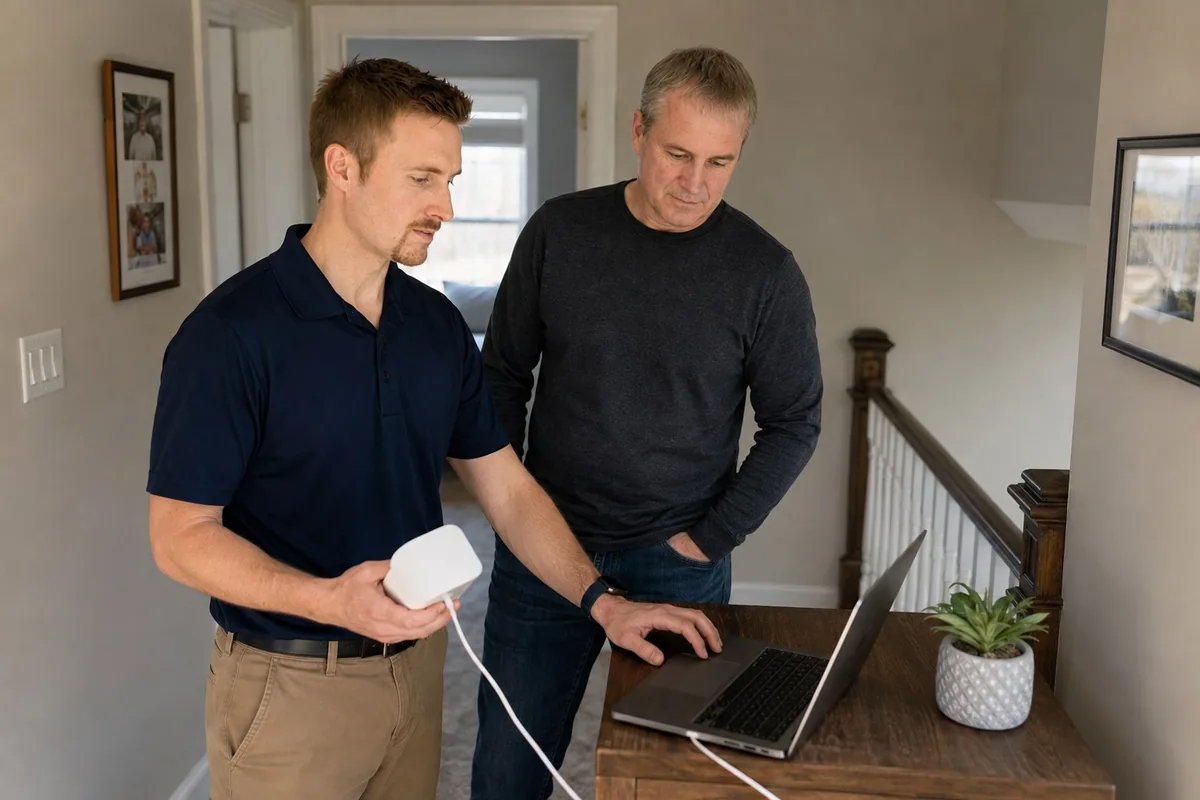
Tell me which rooms and devices have trouble.