
Check Drive And Memory
I test drive health, memory use, available storage, updates, and the age of the computer before recommending a repair.I check drive health, memory, storage, updates, and computer age before recommending repairs.
Tell me what takes too long, freezes, or won’t start. I’ll ask how you use your Windows computer, check what is causing the trouble, and explain whether a repair or upgrade is worthwhile.Tell me what’s slow, freezes, or won’t start. I’ll check your Windows computer, how you use it, and whether repair or an upgrade makes sense.
I check the drive, memory, storage, startup, browser, updates, and computer age.
I test drive health, memory use, available storage, updates, and the age of the computer before recommending a repair.I check drive health, memory, storage, updates, and computer age before recommending repairs.
I check startup programs, browser extensions, notification permissions, and unwanted software that can slow normal use.I check startup programs, browser extensions, notifications, and unwanted software that slow normal use.
If age, damage, or weak hardware makes an upgrade poor value, I will explain that before you put more money into it.I’ll explain when age, damage, or weak hardware makes an upgrade poor value.
The right answer may be cleanup, an SSD, more memory, or replacement.
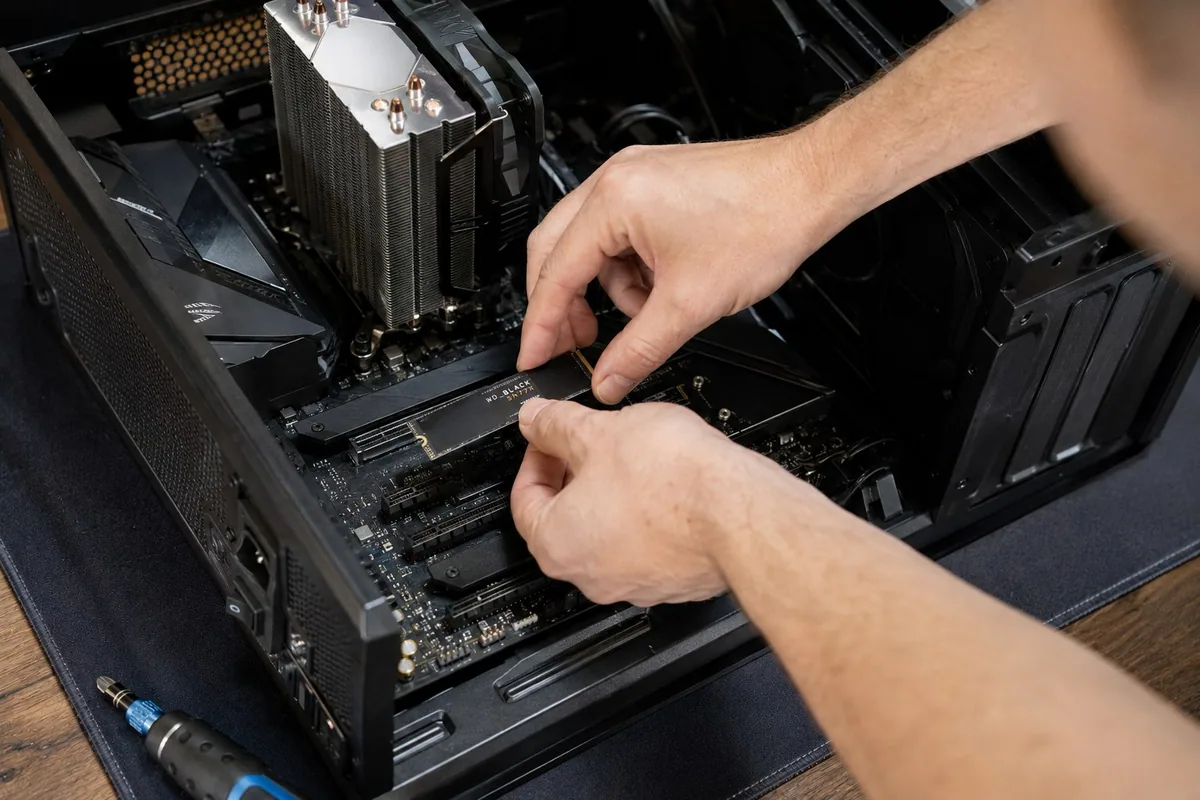
An SSD can make a good older computer start and open files much faster. I can install it and migrate your files and settings when the computer is a sensible candidate.An SSD can speed up a suitable older computer. I can install it and migrate your files and settings.
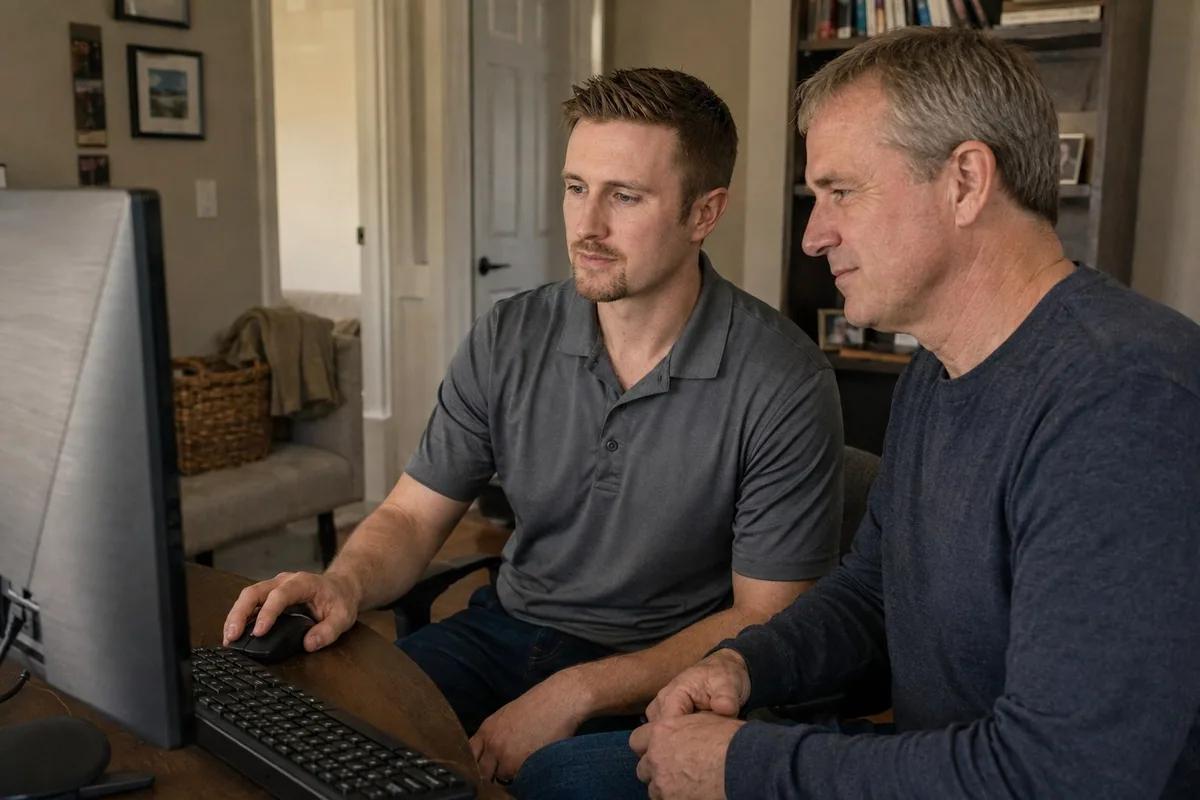
I review the computer with you and explain whether an SSD, more memory, careful cleanup, or a new computer is the sensible investment.We compare an SSD, more memory, cleanup, and replacement to find the sensible investment.
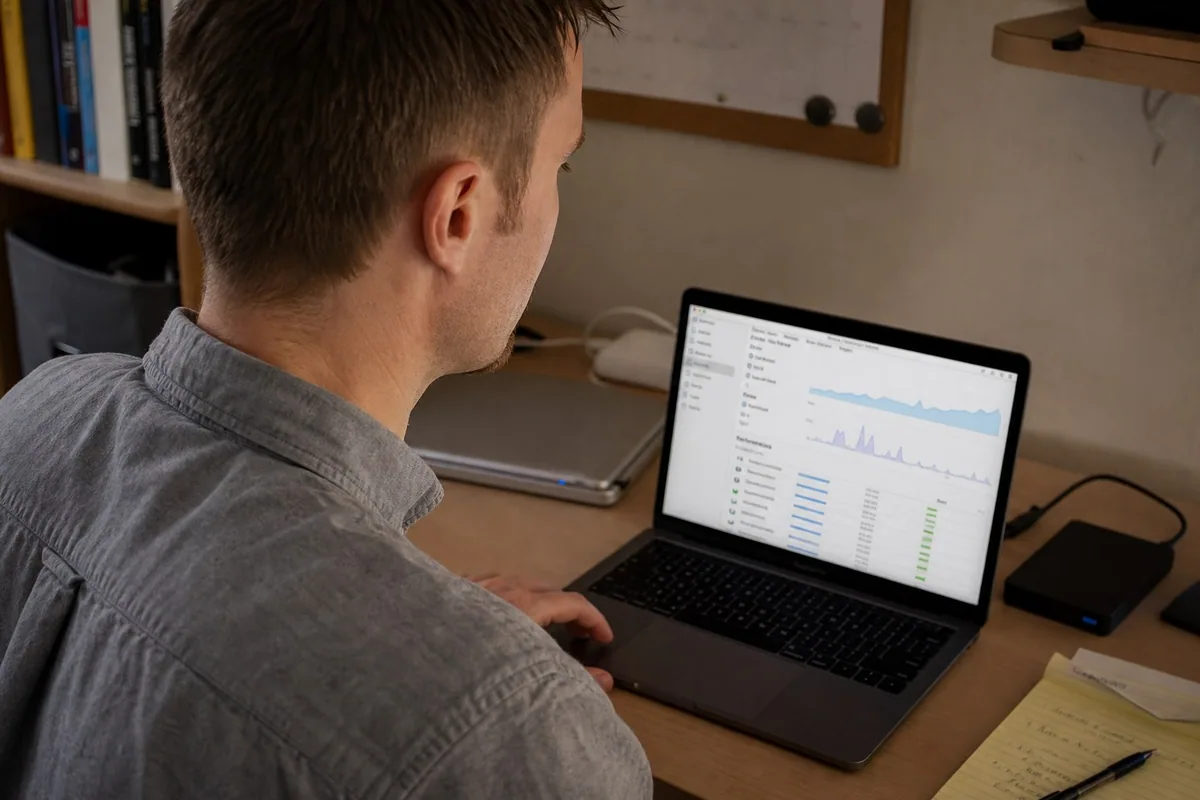
Startup programs, storage, drive health, browser behavior, updates, and backup status are checked before changes are made.I check startup, storage, drive health, browser behavior, updates, and backups before making changes.
You do not need to diagnose the cause before calling. Start with the symptom you can see.No diagnosis needed before calling. Describe what’s happening.
A failing drive, low storage, too many startup programs, updates, heat, or limited memory can all make a laptop or desktop feel slow.Failing drives, low storage, startup programs, updates, heat, or limited memory can cause slowdowns.
Unwanted extensions, notification permissions, redirects, and suspicious programs can interfere with normal browsing and create alarming messages.Unwanted extensions, notifications, redirects, and suspicious programs can disrupt browsing and show alarming messages.
I compare the computer's age, condition, drive health, performance, and the work you need it to do before recommending more expense.I compare age, condition, drive health, performance, and your work needs before recommending more expense.
An older computer is not automatically a lost cause. The decision depends on what is failing, whether the software you need is supported, and the cost of getting the whole setup working again.Age alone doesn’t decide it. Compare what’s failing, software support, and the cost of restoring the whole setup.
A specific fault, such as a worn battery or charging connection, may be worth fixing when the rest of the laptop still meets your needs. Diagnose the fault before ordering parts.A worn battery or charging connection may be worth repairing if the laptop still meets your needs. Diagnose before ordering parts.
A slow but otherwise healthy computer may benefit from more memory or an SSD. First check compatibility, drive health, storage space, and whether the slowdown is actually caused by hardware.Memory or an SSD may help a healthy but slow computer. Check compatibility, drive health, storage, and the actual cause first.
Several failing parts, an unsupported operating system, or a computer that cannot run your work apps can make replacement the better choice. Include setup, program licenses, and file transfer in the comparison.Multiple failures, unsupported software, or incompatible work apps may justify replacement. Include setup, licenses, and file transfer in the cost.
Before a Charlotte onsite visit, note the computer model, what changed, and whether your important files are backed up. Do not reset or erase it to see whether that helps.Before a visit, note the model, recent changes, and backup status. Don’t reset or erase the computer to troubleshoot.
See a recent repair: fixing laptop charging problems and replacing worn batteries.
Yes. Tell me whether the computer has power lights, fan noise, beeps, a blank display, or an error before Windows opens. I can assess the startup problem and explain whether troubleshooting, replacement parts, or specialized repair is the practical next step.
A blue screen, restart loop, or failed update needs diagnosis before reinstalling Windows. I check the symptoms, recent changes, hardware condition, and backup status so the next step accounts for your files as well as the computer.
Sometimes. Cleanup, storage, updates, or an SSD may help. If the computer is underpowered or failing, I will say so before you spend more.
I am careful with cleaner apps. Some show dramatic warnings, inflated problem counts, or “errors” that are not actually causing your issue. I prefer checking the computer directly and removing only what makes sense.
Many laptop performance, software, browser, SSD, data-transfer, and setup problems can be handled onsite. If the computer needs a part or specialized bench work, I explain the practical options before more work is done.
Tell me what takes the longest and roughly how old the computer is. I’ll help you figure out what to check first.Tell me what takes longest and the computer’s approximate age. I’ll suggest what to check first.