
Dropped connections
Devices disconnect, video calls freeze, or streaming buffers even when other devices seem to work.Devices disconnect, calls freeze, or streaming buffers while other devices work.
Tell me where the connection drops or what happens when you try to print. I’ll visit and test the Wi-Fi, printer, and devices together in the rooms where you use them.Tell me where connections drop or printing fails. I’ll test Wi-Fi, printers, and devices together where you use them.
I check the router, mesh system, location, device, and settings.I check the router, mesh, device, location, and settings.
Devices disconnect, video calls freeze, or streaming buffers even when other devices seem to work.Devices disconnect, calls freeze, or streaming buffers while other devices work.
Bedrooms, offices, porches, bonus rooms, or upstairs areas have weak or unreliable signal.Weak signal in bedrooms, offices, porches, bonus rooms, or upstairs.
Old routers, extenders, and several network names can make it hard to tell which connection each device is using.Old routers, extenders, and multiple network names can confuse device connections.
I test the network, computer, printer, driver, and queue as one system.I test the network, computer, printer, driver, and queue together.
I confirm the router, network name, signal, and printer connection before reinstalling software.I check the router, network name, signal, and printer connection before reinstalling.
Old printer queues, outdated drivers, and duplicate entries can send jobs to a printer that no longer exists.Old queues, drivers, and duplicate entries can send jobs to nonexistent printers.
We test the same computer, phone, or scan destination you plan to use after the visit.We test your usual computer, phone, or scan destination.
Printers and computers use the same network, so I check both.Printers and computers share a network. I check both.
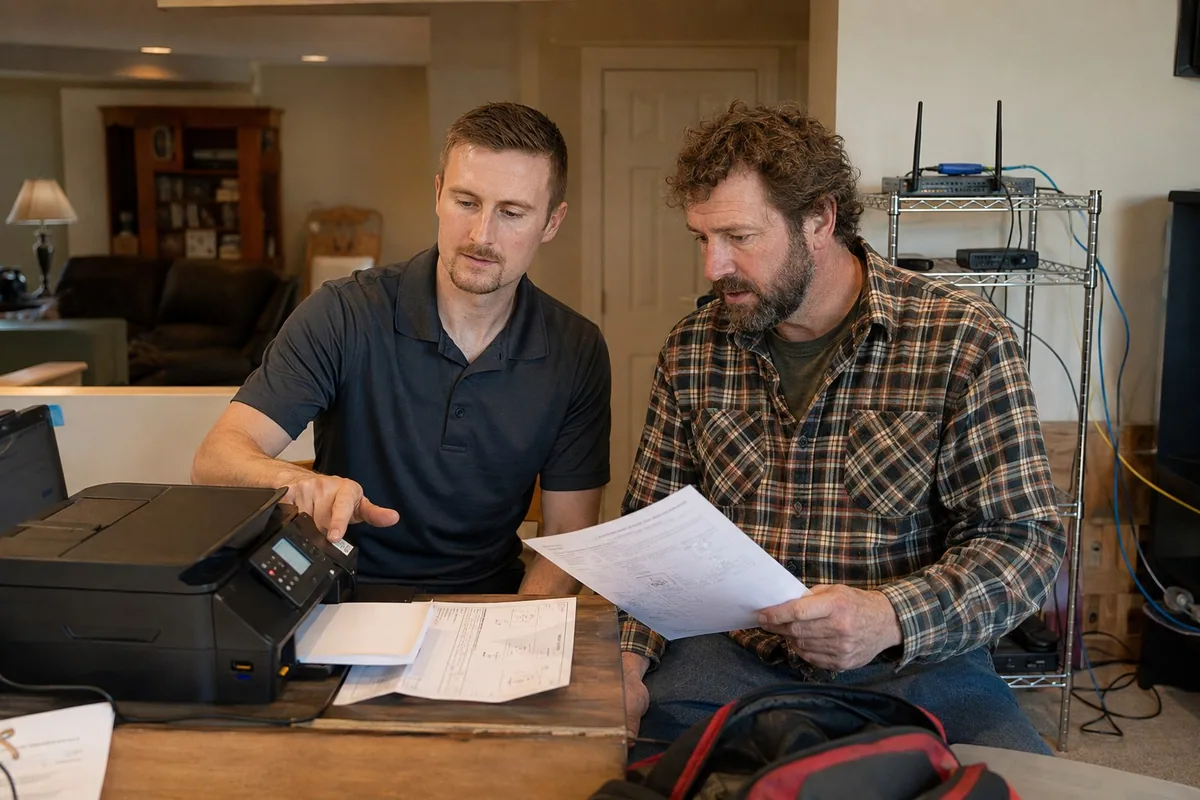
I check the printer, computer, driver, print queue, and router instead of assuming the printer itself has failed.I check computers, drivers, queues, and routers before assuming printer failure.
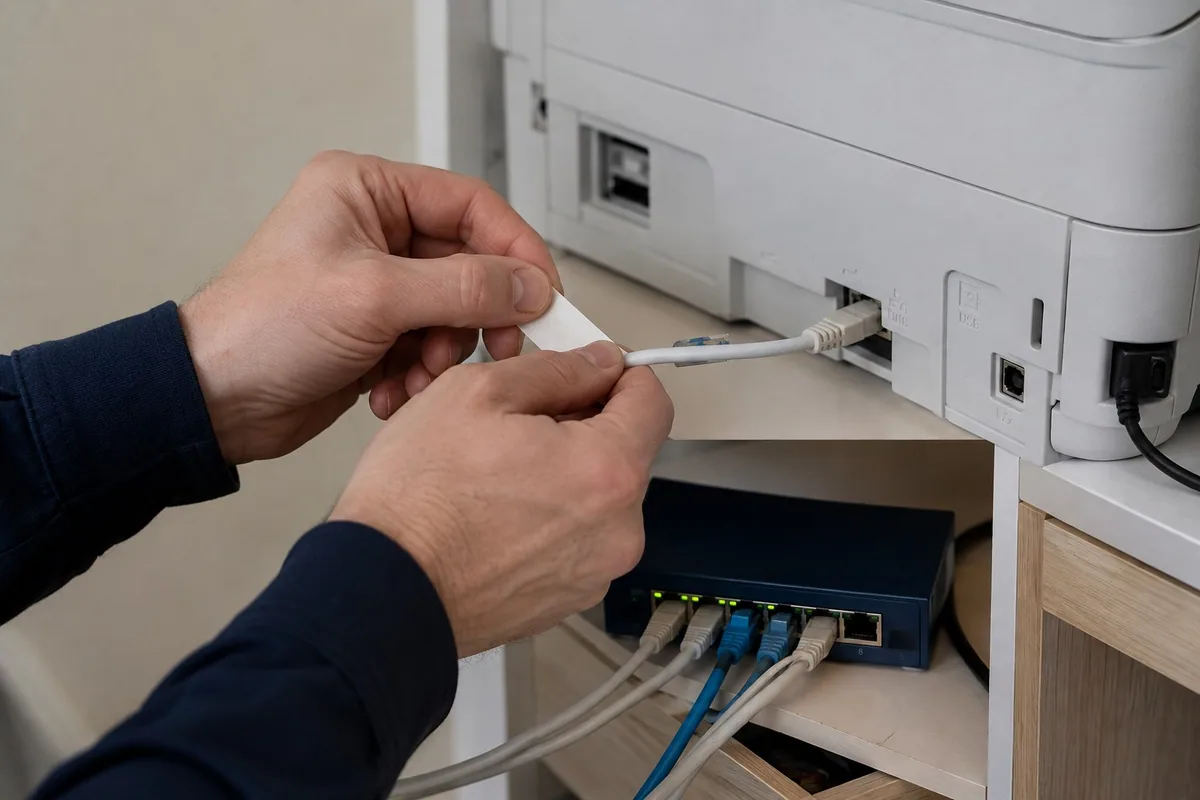
Printer ports, network cables, switches, and Wi-Fi connections are checked together to find what interrupts printing.I check printer ports, cables, switches, and Wi-Fi together to find interruptions.
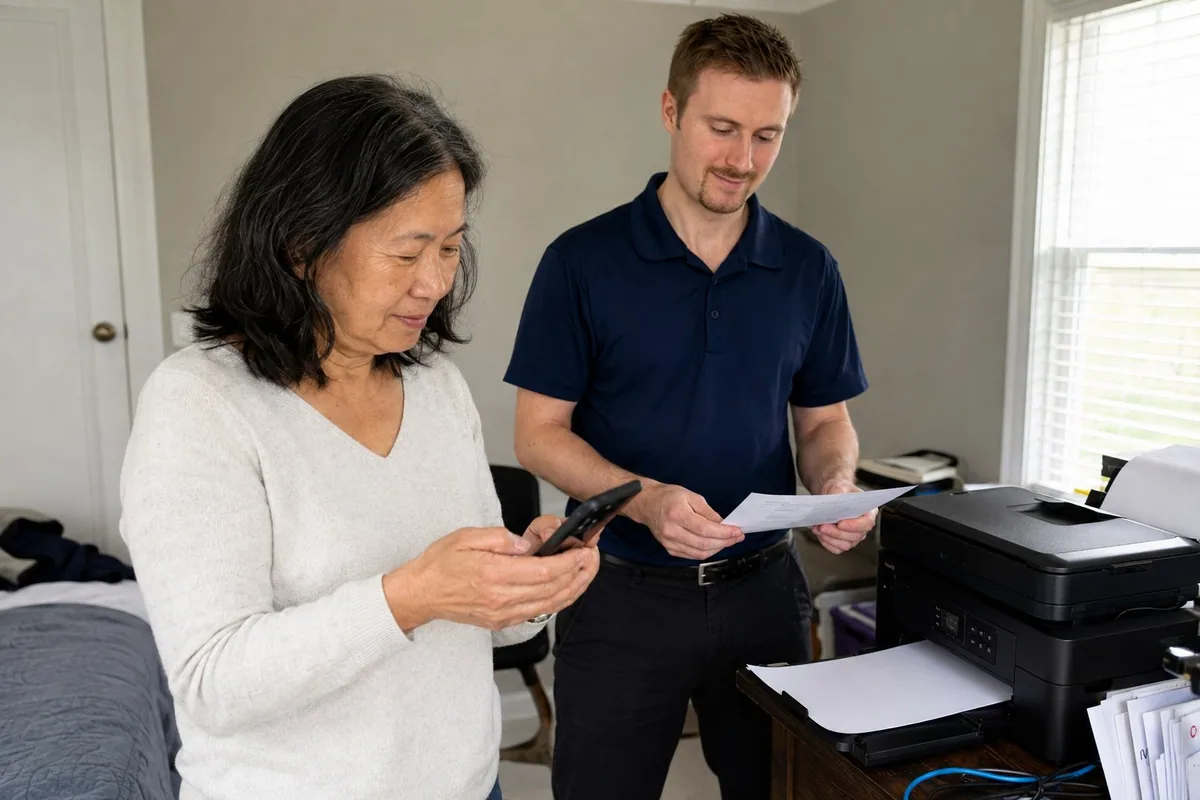
We print, scan, and reconnect the devices you actually use so the setup is tested before I leave.Before leaving, we print, scan, and reconnect the devices you use.
Yes. A connection can test well for the provider and still fail where you use it. I check the router, mesh placement, printer, and affected devices in your home.
Yes. I can help choose, place, configure, and test mesh Wi-Fi equipment. Placement matters, and a poorly placed mesh system can still leave dead zones or create confusing handoff issues.
Tell me which rooms, devices, and printer functions are affected.Tell me which rooms, devices, and printer functions need help.