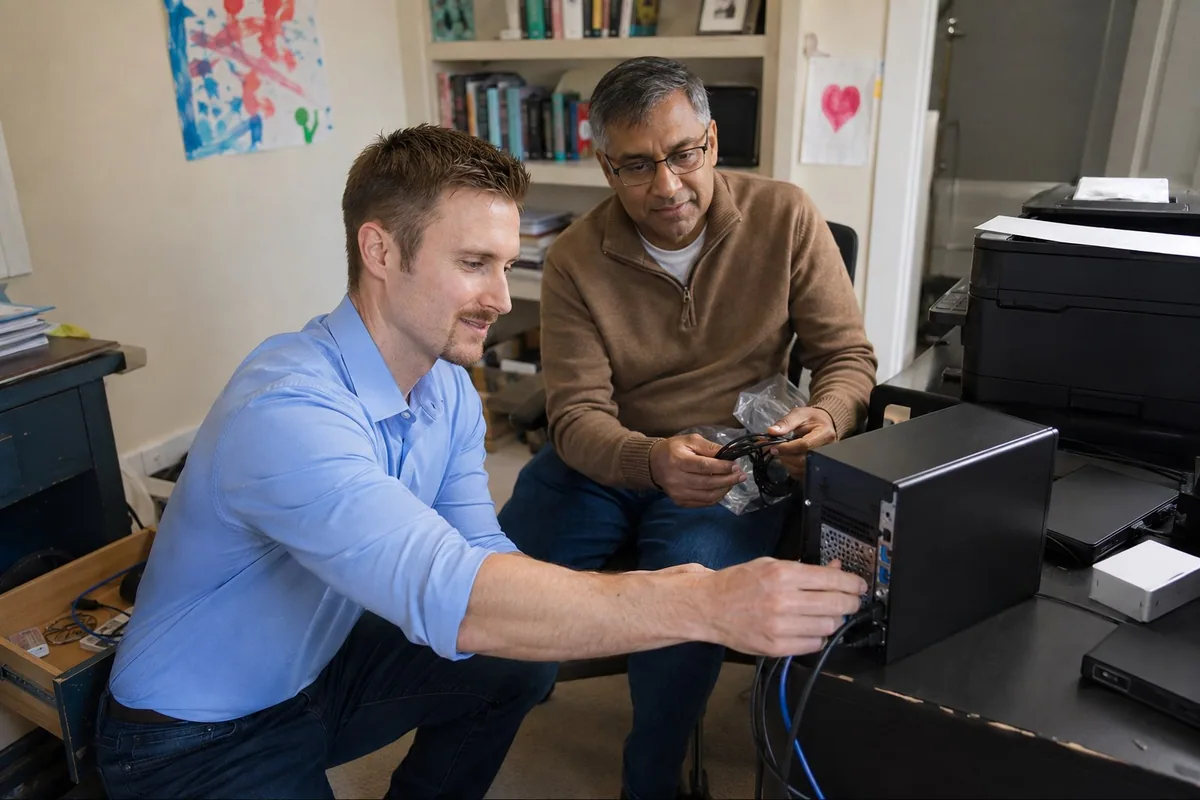
Computer and Laptop Repair
Slow performance, freezing, startup trouble, pop-ups, browser problems, SSD guidance, and honest repair-or-replace advice.Slow computers, startup trouble, pop-ups, upgrades, and repair-or-replace advice.
Computer and laptop repair
Files and Backups
Data transfer, photo and document protection, external drives, cloud backup, and recovery options.File transfers, photo protection, backups, and recovery options.
Protect important files
Viruses and Pop-ups
Fake alerts, unwanted programs, browser redirects, remote-access tools, and safer settings.Fake alerts, unwanted programs, suspicious remote access, and safer settings.
Get cleanup help
Wi‑Fi and Routers
Weak rooms, buffering, dropped connections, router placement, and mesh Wi-Fi setup.Weak coverage, dropped connections, router placement, and mesh Wi-Fi.
Improve home Wi-Fi
Printers and Scanners
Offline printers, wireless setup, scanning problems, drivers, and new-printer installation.Offline printers, wireless setup, scanning, and new installations.
Fix printer trouble
New Computer Setup
Files, email, familiar settings, printers, updates, applications, and backup setup.Transfer files and settings; set up email, printers, and backups.
Plan a new setup
Senior Technology Help
Patient support for computers, email, Wi-Fi, printers, new devices, accounts, and online safety.Patient help with devices, email, accounts, and online safety.
See senior tech help
Email and Accounts
Outlook, Microsoft 365, passwords, OneDrive, phone syncing, and recurring sign-in prompts.Outlook, Microsoft 365, OneDrive, phone syncing, and sign-in problems.
Sort out accounts
Password and Account Help
Microsoft, Google, Apple, recovery information, saved passwords, sign-in prompts, and two-step verification.Microsoft, Google, and Apple accounts, recovery, passwords, and two-step verification.
Sort out account access
Scam Protection
Calm help after a suspicious call or message, plus practical ways to recognize warning signs.Calm help after suspicious calls or messages; learn the warning signs.
Review scam protection
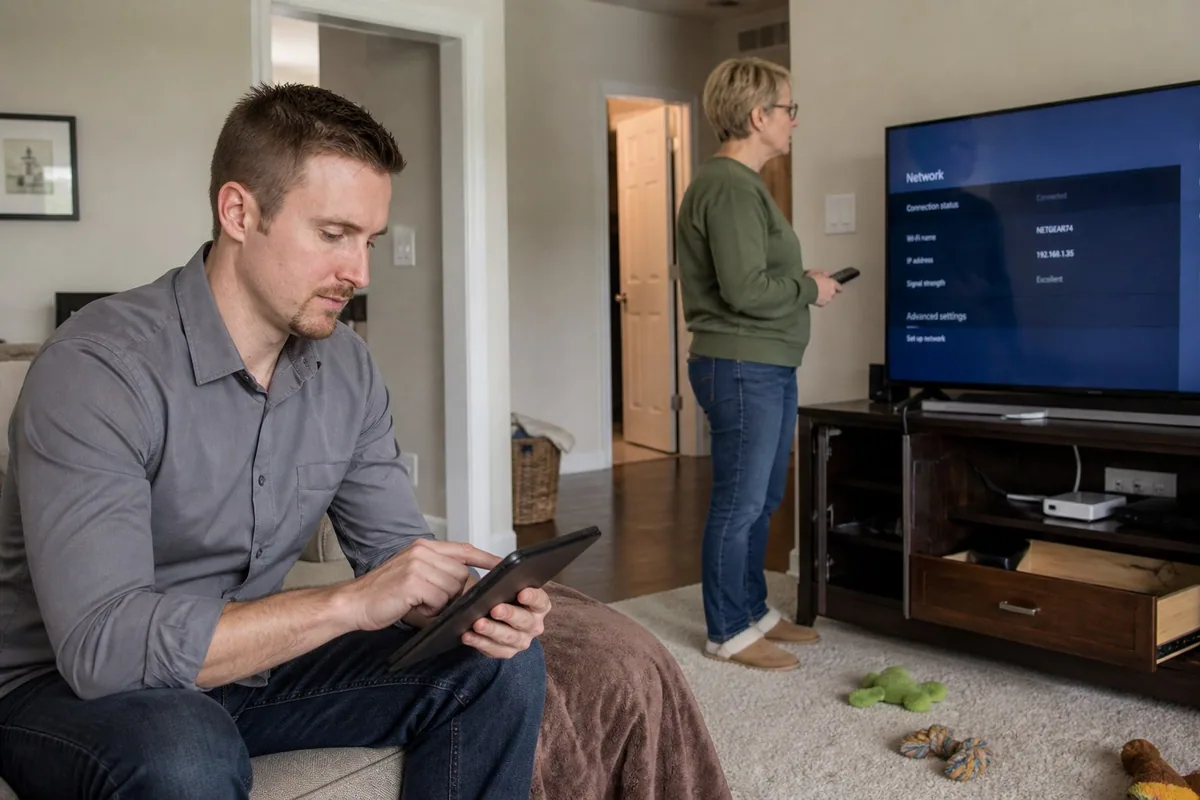
Onsite Computer Repair
In-home help for problems that cross laptops, desktops, printers, Wi-Fi, accounts, backups, and connected devices.In-home help for computers, Wi-Fi, printers, accounts, and connected devices.
See how onsite computer repair works
Smart Devices
Smart TVs, cameras, speakers, phones, tablets, apps, accounts, and connected-home technology.Smart TVs, cameras, speakers, phones, tablets, and apps.
Connect smart devices
Home Office Setup
Monitors, docks, webcams, printers, Wi-Fi, work accounts, video calls, and backup checked as one setup.Monitors, docks, video calls, printers, accounts, and backups tested together.
Set up the home office