Connect The Workstation
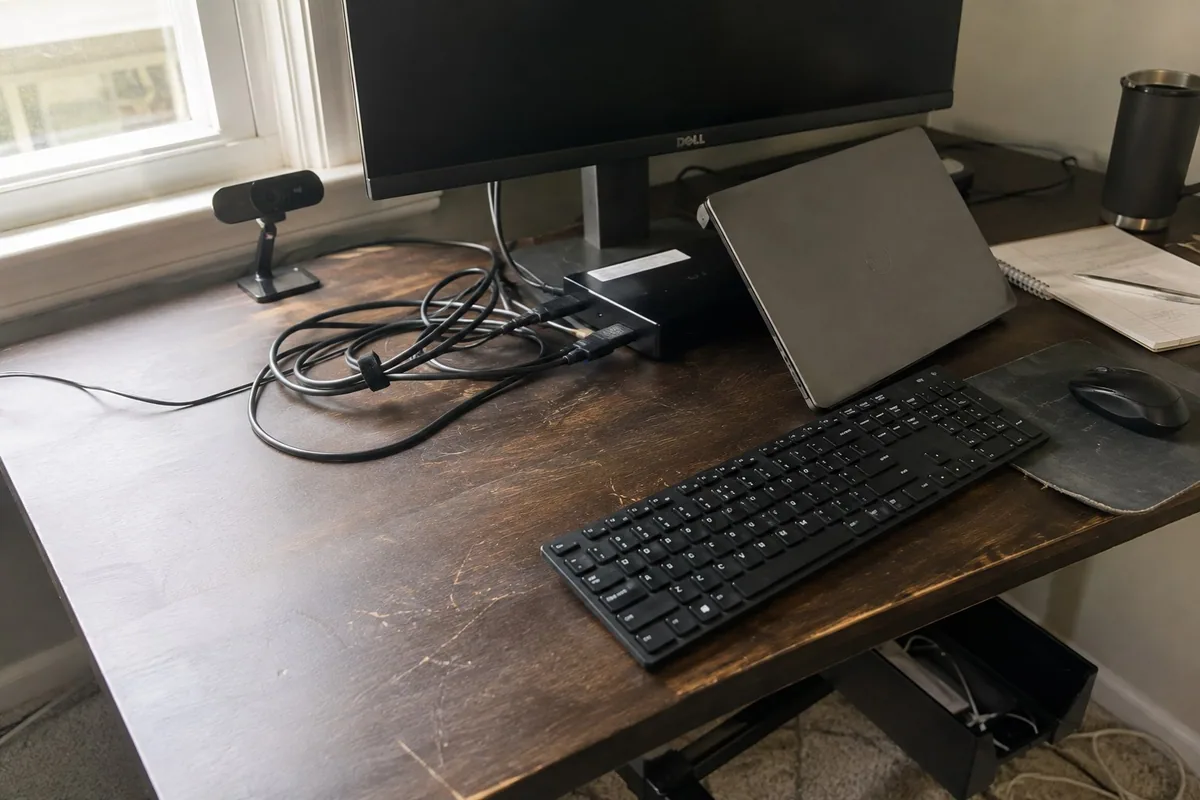
I set up monitors, docking stations, keyboards, mice, chargers, webcams, speakers, and cable connections, then confirm the computer wakes, charges, and reconnects correctly.
If the laptop works but the monitor, webcam, printer, Wi-Fi, or work account does not, the whole desk feels unreliable. I set up the pieces together and test the tasks you use during a normal workday.
A home office is one connected system. The computer, dock, screens, camera, audio, printer, Wi-Fi, accounts, and backup all need to work together.
I set up monitors, docking stations, keyboards, mice, chargers, webcams, speakers, and cable connections, then confirm the computer wakes, charges, and reconnects correctly.
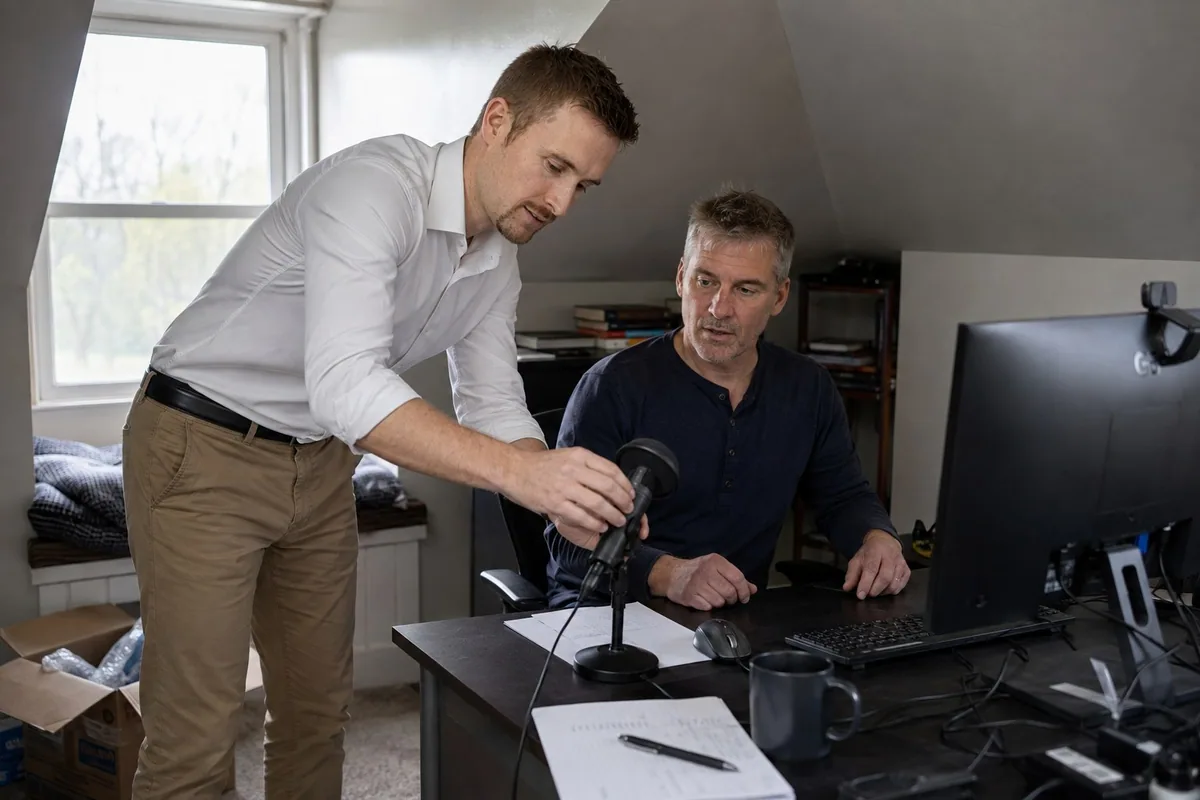
I check Teams, Zoom, Outlook, Microsoft 365, microphones, cameras, speakers, and sign-in prompts using the same accounts you use for work.
I test the office from the desk itself, including wireless signal, printer and scanner access, and whether other household devices are affecting reliability.
The symptom at the desk is not always the cause. A failed video call may come from Wi-Fi, a dock, Windows privacy settings, the wrong Microsoft account, or an employer-managed policy.
I compare the connection near the router and at the workstation so we can separate an internet-provider problem from an in-home coverage problem.
I check ports, adapters, display settings, USB devices, drivers, power, and the dock instead of replacing a monitor or printer too quickly.
I confirm which work or personal account owns Outlook, OneDrive, Teams, browser profiles, and the files you need before changing sign-ins.
You do not need to disconnect the desk. Leaving it as-is helps me see what happens during normal use.
Yes. I check the laptop ports, dock or adapters, monitor inputs, resolution, charging needs, and how you want the screens arranged. Not every USB-C port supports video, so I verify compatibility before recommending another adapter.
The cause may be the dock, display driver, power setting, cable, adapter, or monitor input. I test the wake-and-reconnect sequence instead of treating a one-time picture as a finished setup.
Often. I first compare signal and speed at the router and at the desk. The answer may be router placement, a mesh point, wired Ethernet, or an internet-provider issue. I explain which part needs attention before adding equipment.
Usually, but employer security rules still apply. I can work on the home network, monitors, printer, dock, and permitted settings. Changes controlled by your employer may need their IT department.
Yes. I can test the camera, microphone, speakers, background settings, meeting links, and the correct personal or work account. I also check browser and Windows privacy permissions when a device is not detected.
Sometimes. The printer and laptop must be allowed on the same network, and an employer-managed laptop may block local printers. I can test the setup and tell you whether the limitation is at home or controlled by work.
Tell me which part of the workday keeps failing and which equipment is on the desk. I can help plan an onsite visit around the full setup.