New Computer Setup

Get Your New PC Set Up the Right Way

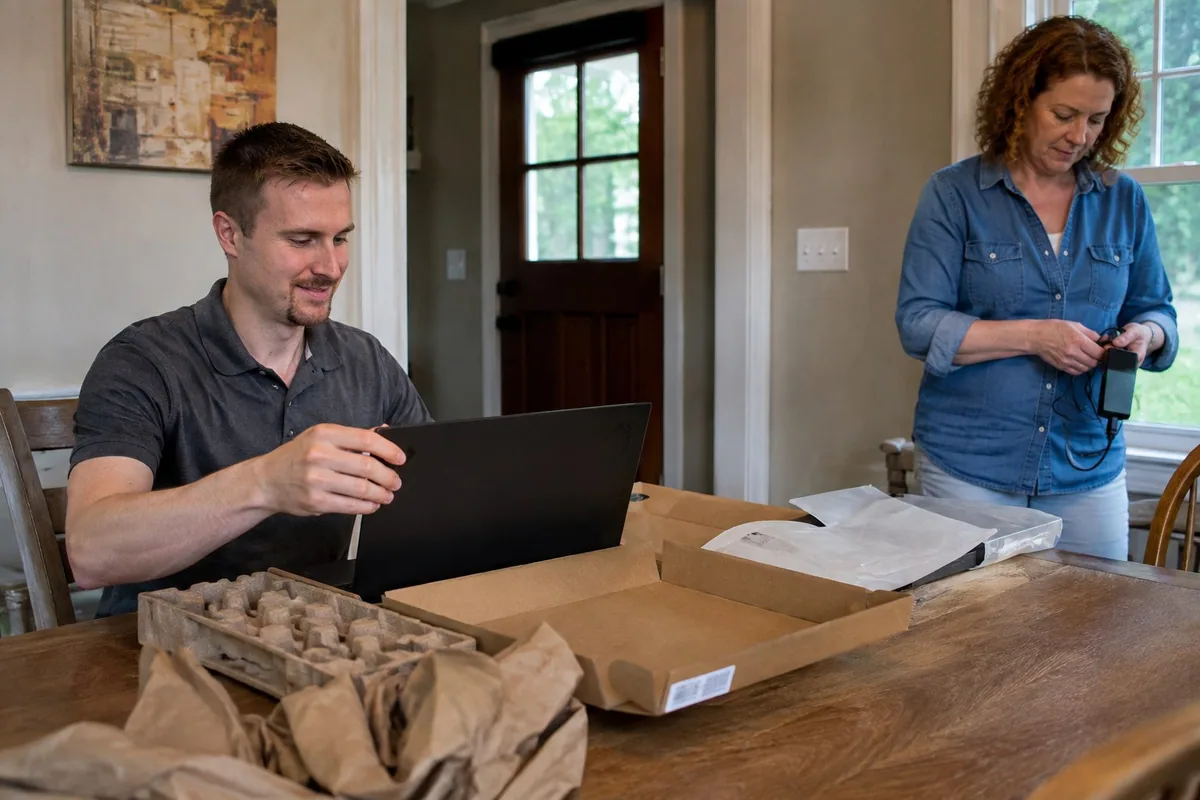
A new computer should feel ready for real use, not like a blank machine full of confusing prompts. I help move the important items and set up the everyday pieces.

How I Can Help

Build a Clean New Setup

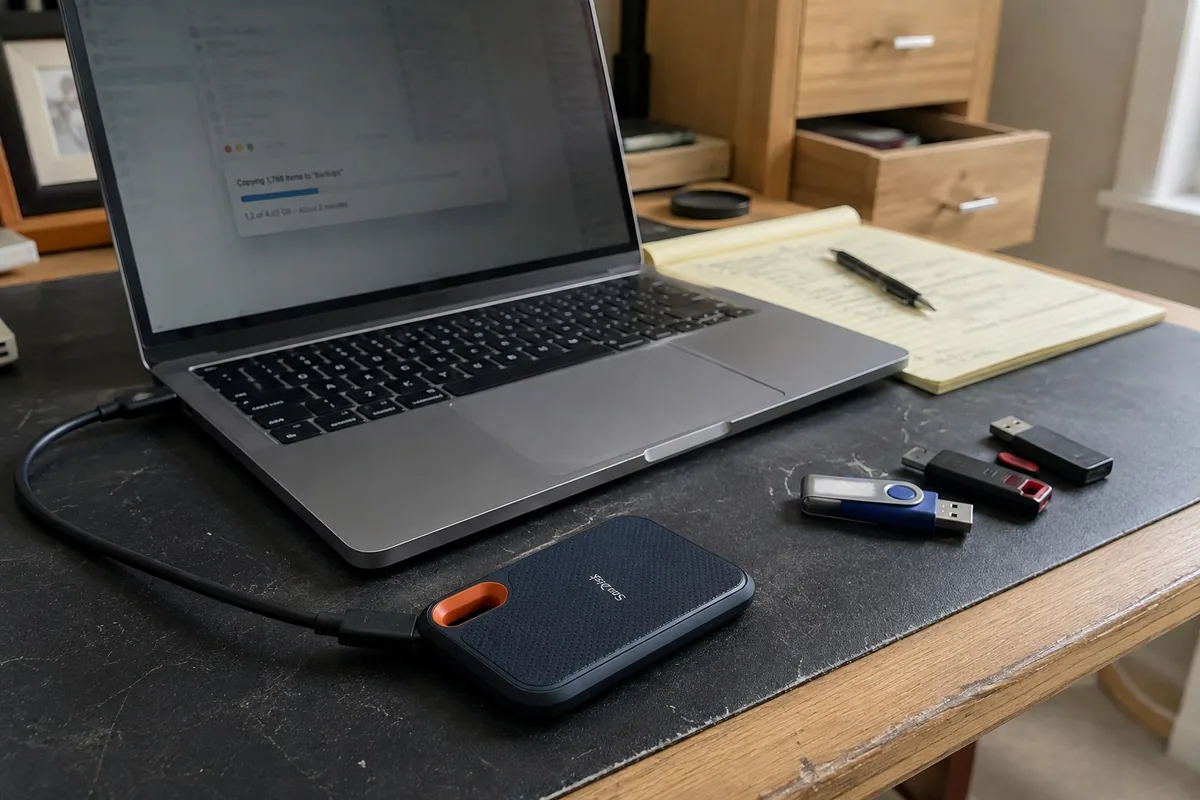
A new computer should start with a verified backup, only the files and programs you still need, and a complete setup that is ready for everyday use.

Ensure Everything Is Backed Up First

I verify the important documents, photos, desktop files, downloads, browser information, and account details before changing or retiring the old computer.

Transfer Only What You Need

Moving only useful files and current programs helps the new computer stay clean instead of carrying years of clutter into the new system.

Build and Complete the Setup

I install needed programs and apps, move the selected data, reconnect devices, and test the everyday tasks you rely on.

Ready to Use

Finish the Whole Setup

The new computer is not finished until your files, programs, accounts, and connected devices are ready.

Back Up Files Before Reset

The old computer remains available until important files and account information are safely copied and verified.

Transfer the Data You Need

Documents, photos, email information, browser favorites, and selected folders move into a clean and organized new system.

Reconnect Home Devices

Printers, scanners, Wi-Fi, backup drives, and other everyday devices are connected and tested.

Straight Answers

New Computer Questions

Can everything move from the old computer?

Many personal files can usually move, including documents, photos, desktop items, downloads, and common folders. Some programs need to be reinstalled or signed into again, and I explain that before we start.

Can you set up Microsoft 365?

Yes. I can help with Outlook, Word, Excel, OneDrive, account sign-in, license confusion, and settings that make Microsoft 365 easier to use.

Can you move my email?

Often, yes. It depends on whether the email is cloud-based, provider-based, or stored locally in an older mail program. I check the current setup and choose the safest path.

Can you set up my printer?

Yes. I can install the printer, connect it to Wi-Fi or USB, test printing, test scanning if needed, and remove old printer entries that cause confusion.

Can you make it look familiar?

Yes. I can pin commonly used apps, set the browser, adjust desktop items, connect email, and make the new machine feel less empty and unfamiliar.

Can you help before I buy?

Yes. I can help you choose a practical computer based on what you actually do: email, photos, documents, business work, travel, or basic browsing.

Setting Up a New Computer?

Keep the old computer, its charger, and any passwords nearby. I can help transfer what matters and make the new setup feel less unfamiliar.

Back to Services