
Schedule Automatic Backups
I configure a scheduled local, cloud, or combined backup that continues protecting selected files without relying on memory.I schedule local, cloud, or combined backups to protect selected files automatically.
Tell me which photos or files you’re concerned about and where you last saw them. I can check your backups, set up protection for the files you need, or assess recovery options if something is already missing.Tell me which photos or files concern you and where you last saw them. I check backups, protect selected files, and assess recovery options.
We check where your files live, choose what needs backing up, and test that a saved file can be opened again.We choose files to back up, then test opening a saved copy.
I configure a scheduled local, cloud, or combined backup that continues protecting selected files without relying on memory.I schedule local, cloud, or combined backups to protect selected files automatically.
I verify where the backup is stored and show how a document, photo, folder, or complete computer can be restored.I locate the backup and demonstrate restoring a document, photo, folder, or computer.
Local backups can restore large amounts of data quickly, while cloud backups protect against theft, fire, and a failed drive in the home.Local backups restore large amounts quickly. Cloud backups protect against theft, fire, and drive failure at home.
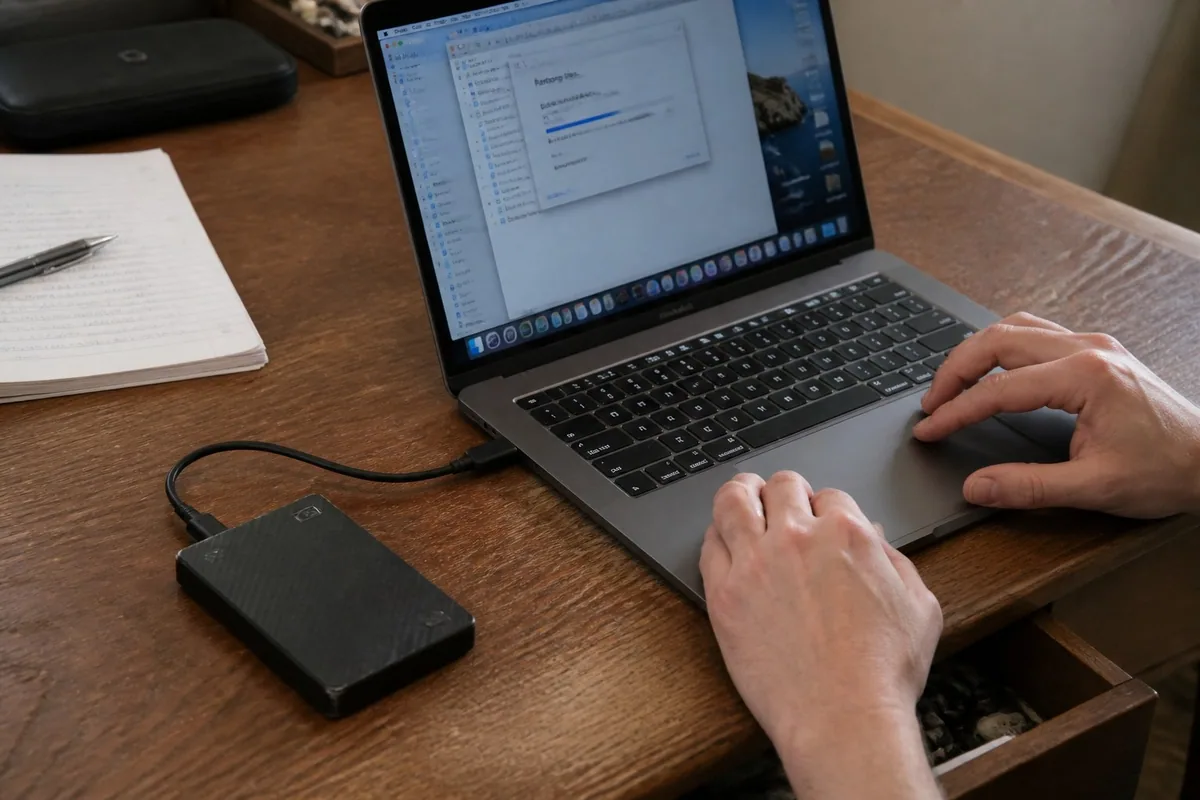
If files are missing or a drive is failing, stop before more data is overwritten.
I check whether deleted documents and photos can be restored from the computer, recycle bin, cloud history, or an existing backup.I check the computer, recycle bin, cloud history, and backups for recoverable documents and photos.
Clicking, disconnecting, or unreadable drives need careful handling. I assess what can be recovered locally and when specialist recovery is the safer option.Clicking, disconnecting, or unreadable drives need care. I assess local recovery and when a specialist is safer.
When an older computer still provides access to the drive, I can copy the important folders into a new computer or verified backup.If the old drive is accessible, I copy important folders to a new computer or verified backup.
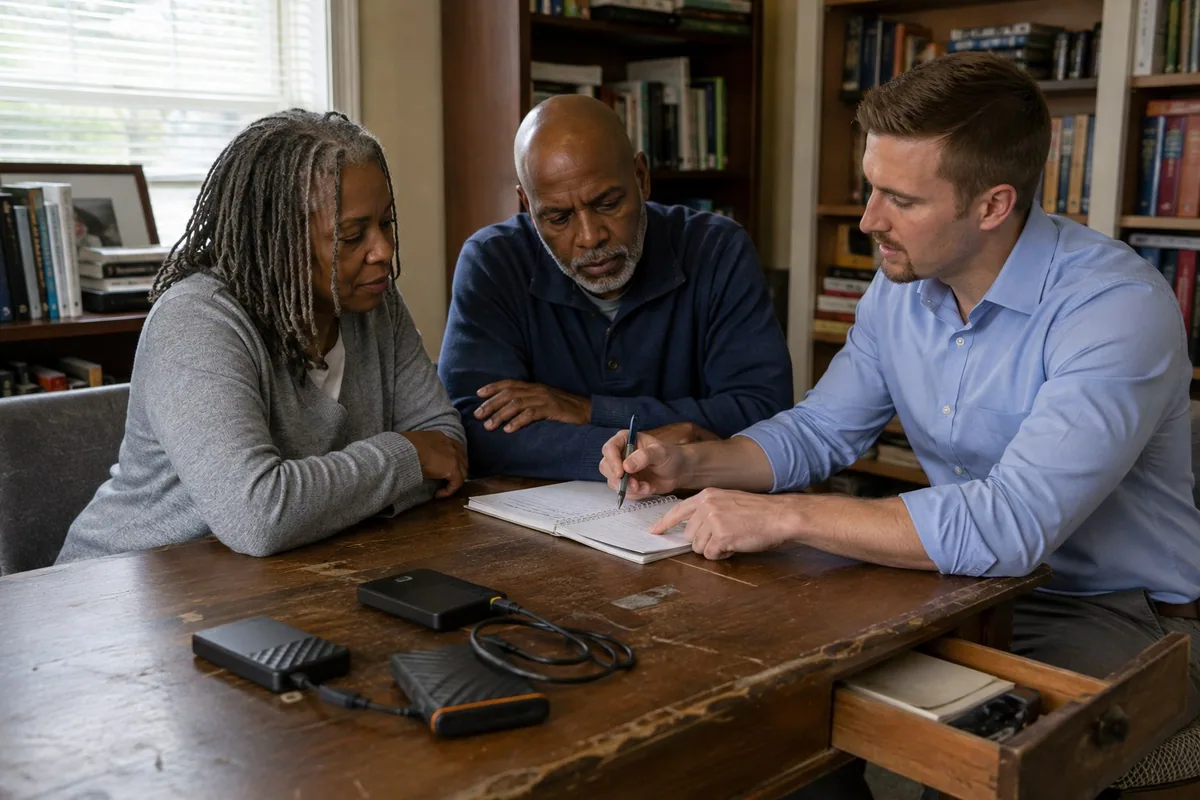
Before moving or deleting files, I check the folders and cloud accounts involved so we know which copies you need to keep.Before moving or deleting files, I check folders and cloud accounts for copies worth keeping.
We look for your photos in iCloud Photos, Google Photos, OneDrive, the phone itself, and any other places you use.We check iCloud Photos, Google Photos, OneDrive, your phone, and other places you store photos.
Pictures may also be in Desktop, Downloads, email attachments, camera-import folders, or an older Windows profile.Photos may hide in Desktop, Downloads, email, camera-import folders, or an old Windows profile.
I separate exact duplicates from edited, resized, or downloaded versions before removing anything.I distinguish exact duplicates from edited, resized, or downloaded versions before removing anything.
Yes. I can set up automatic local or cloud backups, confirm which files are protected, and test whether a file can actually be restored.
We verify where the files live, whether the backup completed recently, and whether a test file can be restored successfully.
Sometimes. If the computer or drive still works enough to access the data, I can help copy documents, photos, desktop files, downloads, and other folders. Severe drive failure may require a specialist lab.
If a drive clicks, disconnects, or will not start, stop and call before trying more repairs.Drive clicking, disconnecting, or not starting? Stop and call before more repairs.
Lab-based data migrations take place in a secure environment that is not connected to the internet. Equipment entrusted to me for retirement or recycling is securely wiped and decommissioned, with evidence provided to you by email.Lab migrations happen in a secure environment disconnected from the internet. Equipment entrusted for retirement or recycling is securely wiped and decommissioned, with evidence emailed to you.
How I care for your data →