
Business IT Support
Help with unreliable computers, office printers, new equipment, and problems involving more than one vendor.Help with computers, printers, new equipment, and vendor issues.
Business IT supportTell me what is interrupting your work and how your team uses its computers, email, and network. I’ll get to know the setup, then help you work through the problems onsite.Onsite help for your team’s computers, email, and network. I’ll get to know your setup and work through the problems.
Project help or ongoing support without a large contract.Project or ongoing support without a large contract.
Help with unreliable computers, office printers, new equipment, and problems involving more than one vendor.Help with computers, printers, new equipment, and vendor issues.
Business IT supportPlan equipment purchases, coordinate vendors, and keep track of who controls your business accounts.Plan equipment purchases, coordinate vendors, and clarify account ownership.
See IT planning supportFix email and file-sharing problems, set up accounts, and check who has access.Fix email and file sharing. Set up accounts and access.
Review Microsoft 365 helpFix dropped connections, weak Wi-Fi, and printers or devices that won’t stay connected.Fix dropped connections, weak Wi-Fi, and unreliable printers.
Review office technologyNew-hire computers, Microsoft 365, MFA, shared files, applications, and a clear process when someone leaves.New-hire computers, Microsoft 365, security, shared files, and employee departures.
Plan employee accessCheck who has access, how accounts are protected, and whether backups work. Get a short list of what needs attention first.Review access, account protection, and backups. Know what needs attention first.
Review security prioritiesBack up the files your business depends on and test that you can restore them.Back up business files and test recovery.
Plan business backupsFind useful ways to reduce repetitive work while keeping business information private.Reduce repetitive work while keeping business information private.
AI consulting

Examples of Wi-Fi, Microsoft 365, camera, and office technology projects.Wi-Fi, Microsoft 365, camera, and office projects.
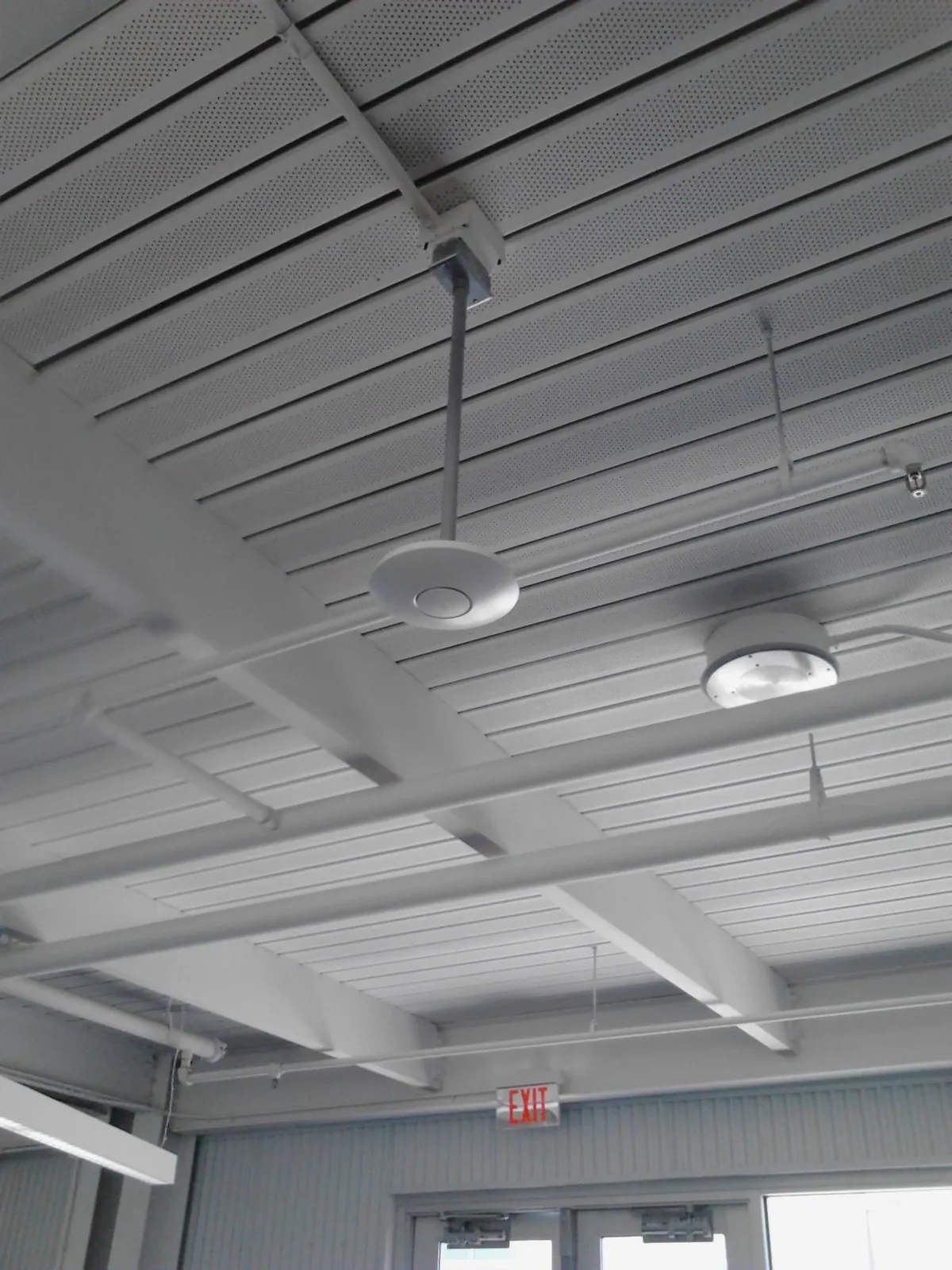
Coverage, access-point placement, connected devices, and the physical environment all affect reliability.Coverage, access-point placement, and connected devices affect reliability.
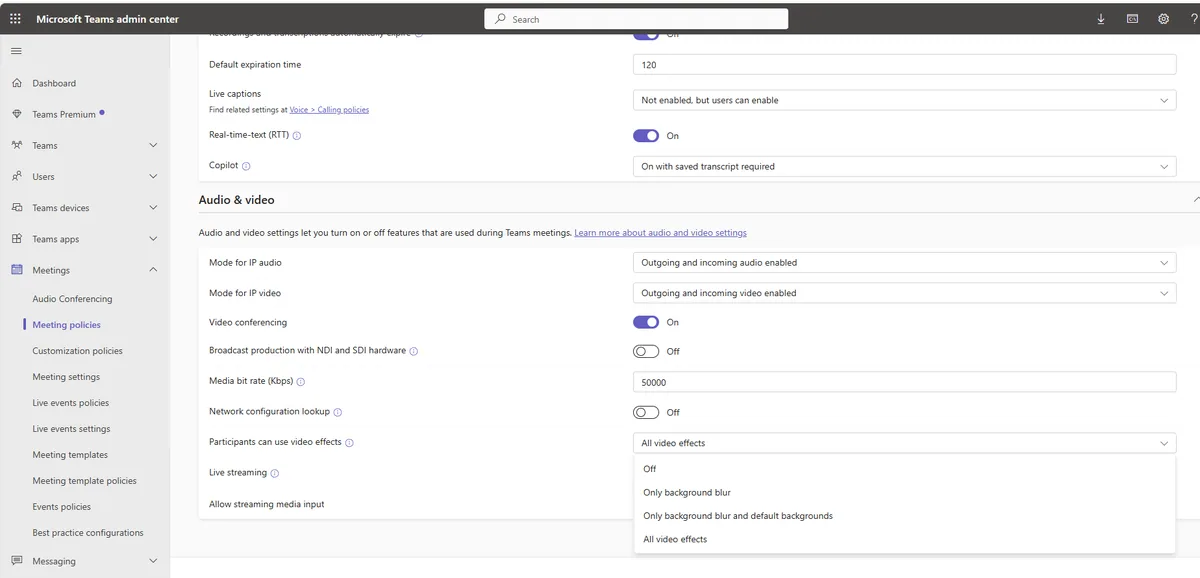
Administrator access, licenses, sharing, accounts, and recovery settings need clear ownership.Clarify ownership of accounts, licenses, sharing, and recovery settings.

Cameras, networks, accounts, remote viewing, and documentation work best when planned together.Plan cameras, networks, accounts, remote viewing, and documentation together.
No. Choose a focused project or practical ongoing support.
Yes. I can coordinate internet, phone, software, website, domain, and equipment vendors.
Share the business impact, affected users, recent changes, and deadlines. Never email passwords or private data.
Tell me what’s slowing down your team. We’ll talk through what needs fixing and what can wait.Tell me what’s slowing your team down. We’ll set priorities.