
Set Up Security Devices
I support smart cameras, video doorbells, notifications, recording settings, remote viewing, and shared household access.Set up cameras, doorbells, alerts, recording, remote viewing, and household access.
I set up smart TVs and connected devices in Charlotte, bringing the device, Wi-Fi, account, and app together and testing everyday use.Charlotte smart TV and device setup, with Wi-Fi, accounts, apps, and everyday use tested together.
We talk through who needs to use the device, where it will go, and which phone or account should control it.Choose the location, users, and controlling phone or account.
I support smart cameras, video doorbells, notifications, recording settings, remote viewing, and shared household access.Set up cameras, doorbells, alerts, recording, remote viewing, and household access.
Google Assistant, Amazon Alexa, smart lighting, smart blinds, and compatible routines can be connected and tested.Connect and test Google Assistant, Alexa, lighting, blinds, and compatible routines.
I can help with Sonos and selected audiovisual systems, streaming devices, smart televisions, Wi-Fi coverage, and app control.Set up Sonos, selected audiovisual systems, streaming, smart TVs, Wi-Fi, and app control.
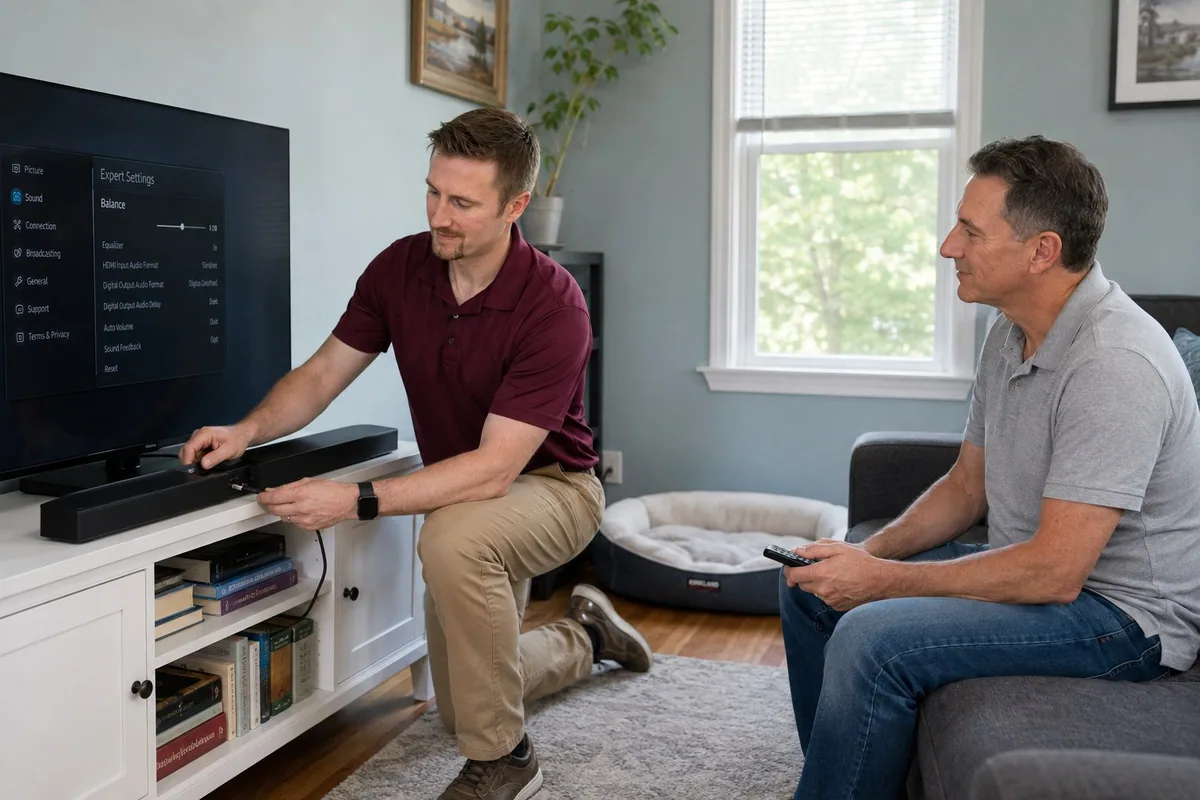
The app, account, Wi-Fi, notifications, and controls should work as one setup.Test apps, accounts, Wi-Fi, notifications, and controls together.
The device is registered to the right owner with working recovery information and appropriate family access.Register the device to its owner, with current recovery details and appropriate family access.
Signal strength, network band, equipment location, and connection reliability are checked where the device will stay.Check signal, network band, placement, and connection reliability where the device stays.
Voice commands, app control, alerts, streaming, cameras, lighting, and routines are tested before setup is complete.Test voice commands, app control, alerts, streaming, cameras, lighting, and routines before finishing.
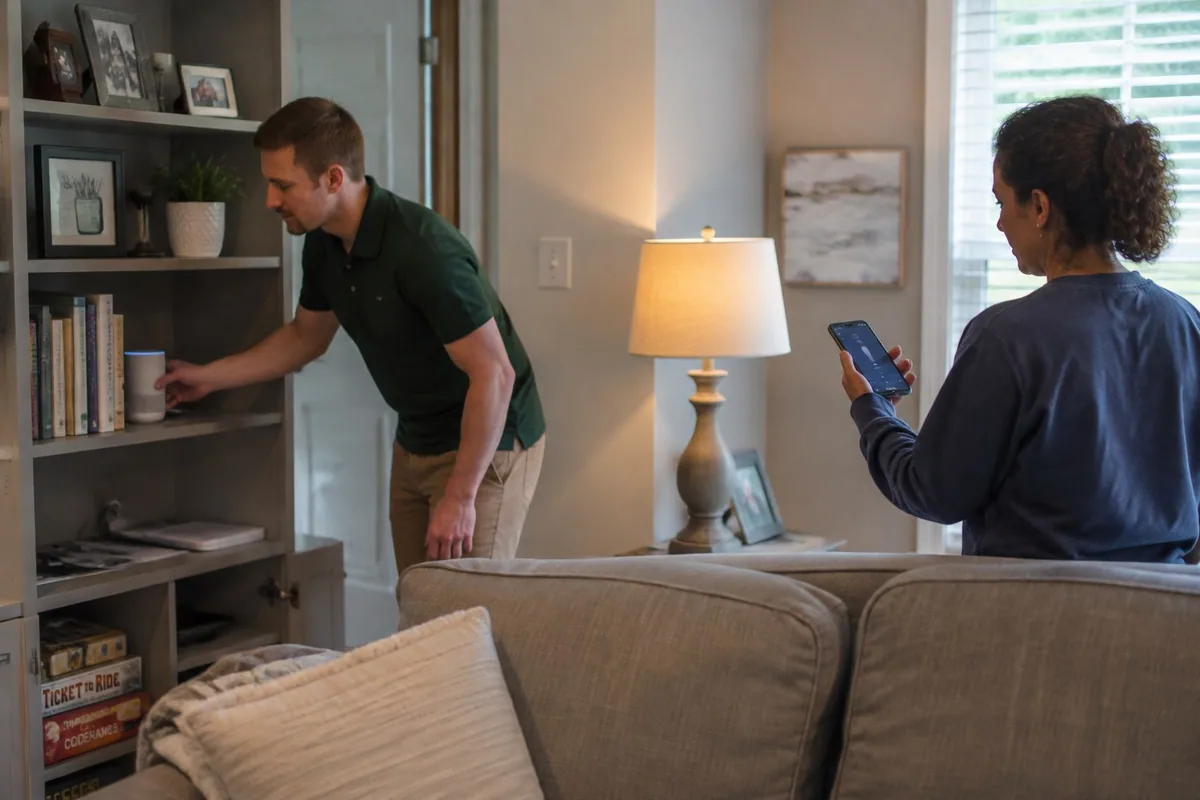
If weak coverage is keeping devices offline, see Wi-Fi and router troubleshooting.Devices offline? See Wi-Fi and router troubleshooting.
I help with TVs, cameras, printers, tablets, phones, apps, accounts, and Wi-Fi.
Yes, for common setup items like Wi-Fi, streaming apps, account sign-ins, updates, and basic remote confusion.
Tell me what you’re setting up and where it gets stuck. We can test it with your Wi-Fi and the other devices you use.Tell me the device and where setup gets stuck. We’ll test your Wi-Fi and connected equipment together.