Password And Account Help

Password and Account Help

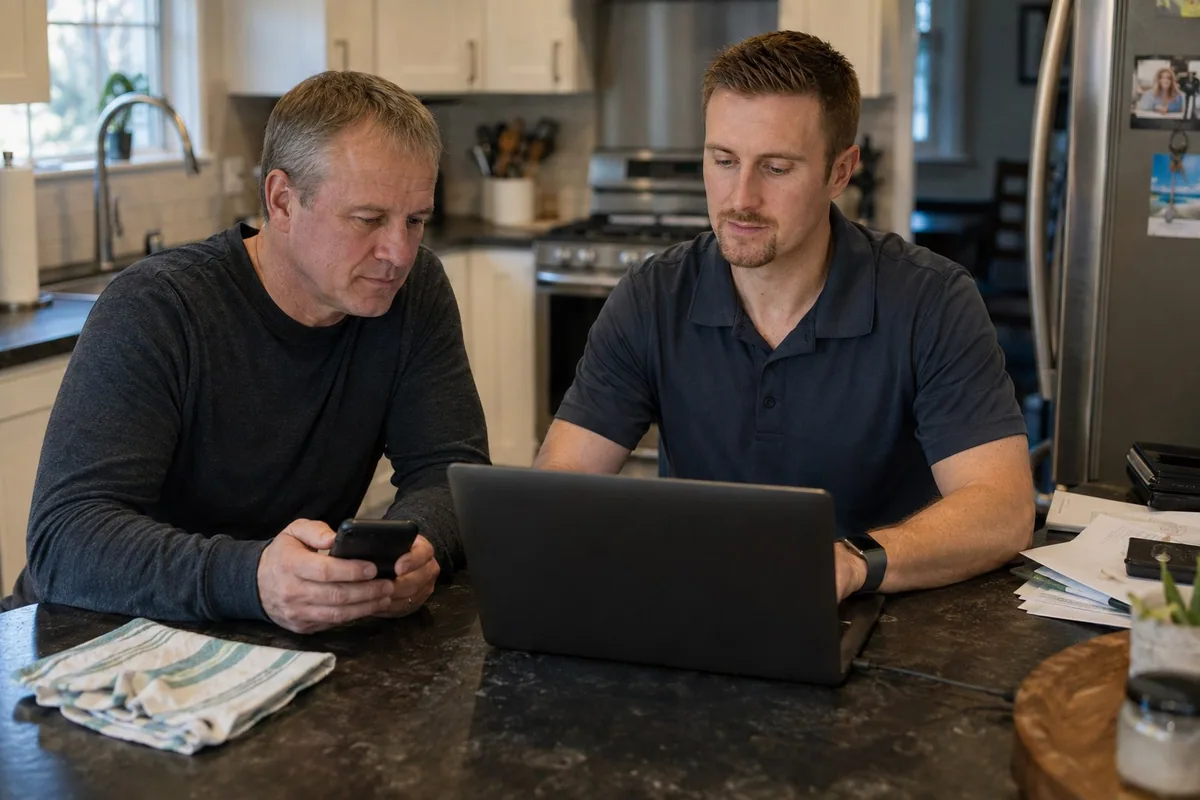
A password problem is often really an account problem: the wrong email address, an old phone number, a code going to a device you no longer use, or several saved passwords that disagree. I help identify the account and follow its legitimate recovery path.

How I Can Help

Recover And Simplify

The goal is not to create another password list. It is to regain access where possible, secure the account, and leave a recovery path you understand.

Identify The Account

I separate Microsoft, Google, Apple, internet-provider, banking, and work accounts so we do not reset the wrong password or remove a sign-in the computer still needs.

Use Official Recovery

I work through the provider's official recovery pages using the recovery email, phone, trusted device, or security information already connected to the account.

Make The Next Login Easier

Once access is stable, I can clean up saved passwords, add current recovery information, set up two-step verification, and organize a password manager when it is a good fit.

Common Situations

Where Logins Get Stuck

The code goes nowhere

The recovery phone or email is old, inaccessible, or belongs to someone else.

The browser remembers the wrong password

Several saved entries can keep replacing the password you just corrected.

The phone works but the computer does not

The devices may be using different accounts, cached sign-ins, or different mail settings.

A suspicious login appeared

The account may need a password change, session review, recovery update, and a check for forwarding or other changes.

Before The Visit

Bring Account Clues

Do not email passwords or recovery codes. Keep the devices and information with you for the appointment.

  • The device where the account still works
  • Possible email addresses or usernames
  • Current recovery phone and email
  • The exact error or sign-in message
Straight Answers

Password And Account Questions

Can you recover any account?

No one can guarantee recovery. The provider decides access based on its records, trusted devices, recovery email, phone number, and other security checks. I can identify the correct account and help you use the legitimate recovery process.

Can you see my password?

Usually not, and I do not need a copy sent to me. During a visit, you can enter passwords yourself. If a saved password can be viewed legitimately on your own device, I can show you where the browser or password manager stores it.

Why does the correct password keep failing?

The computer may be signing into a different account, using an old saved password, working offline, or asking for a device PIN instead of the account password. I read the exact prompt before resetting anything.

Should I turn on two-step verification?

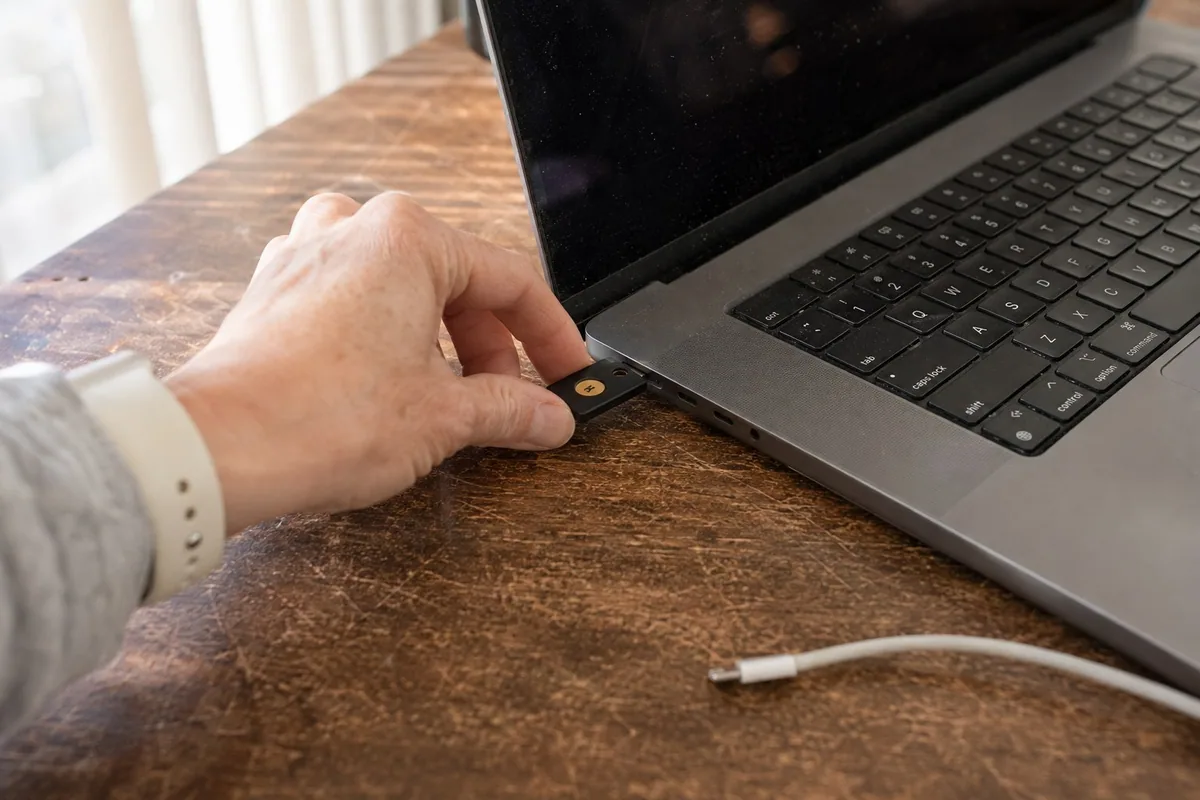
In most cases, yes, as long as the recovery information is current and you understand where codes or approval prompts will go. I also help add a backup recovery method before relying on one phone.

Can you help after an account was hacked?

I can help change the password from a trusted device, review recovery information and active sessions, check email forwarding or rules, and secure related accounts. Banking or identity-theft concerns should also be reported directly to the bank, provider, and appropriate authorities.

Is a password manager difficult to use?

It takes some setup, but it can reduce reused passwords and scattered paper lists. I can set up one primary vault, import carefully, remove duplicates, and practice signing in on the devices you use most.

Locked Out Or Confused?

Tell me which company the account belongs to, which device still works, and what message appears. Do not send a password or verification code.

Back to Services